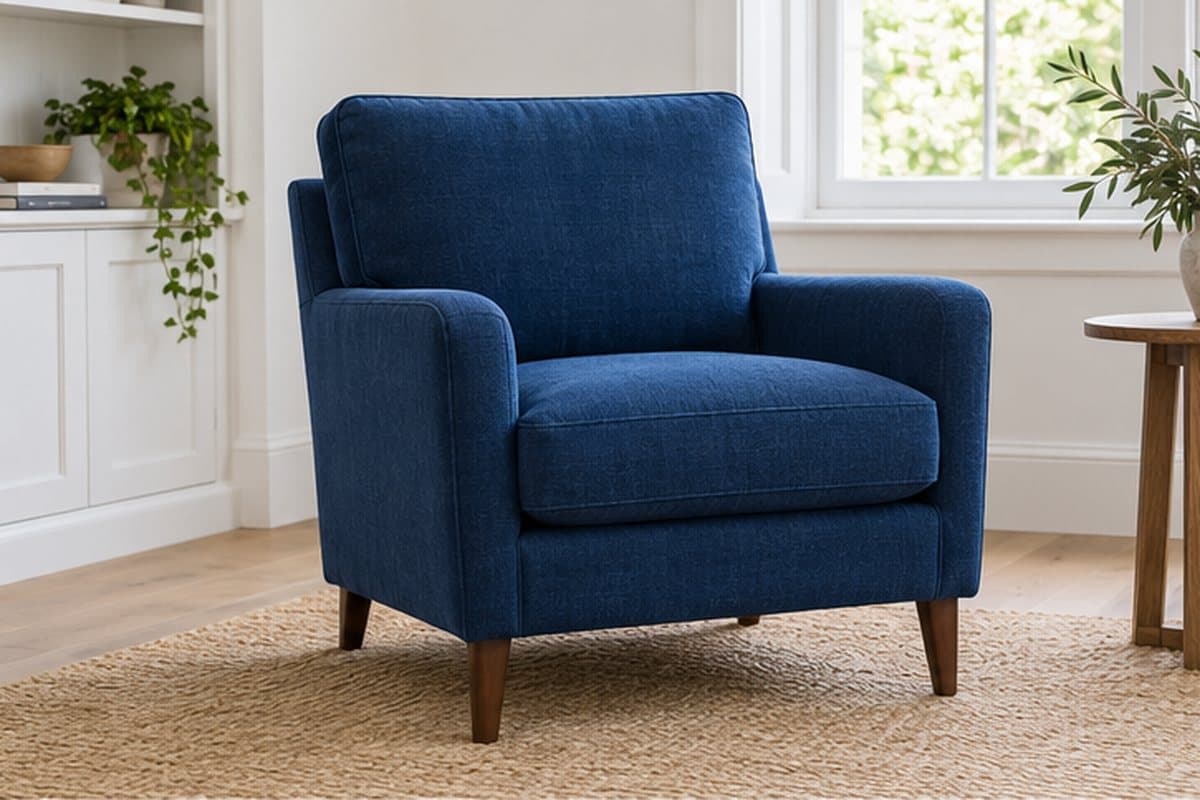
Remove
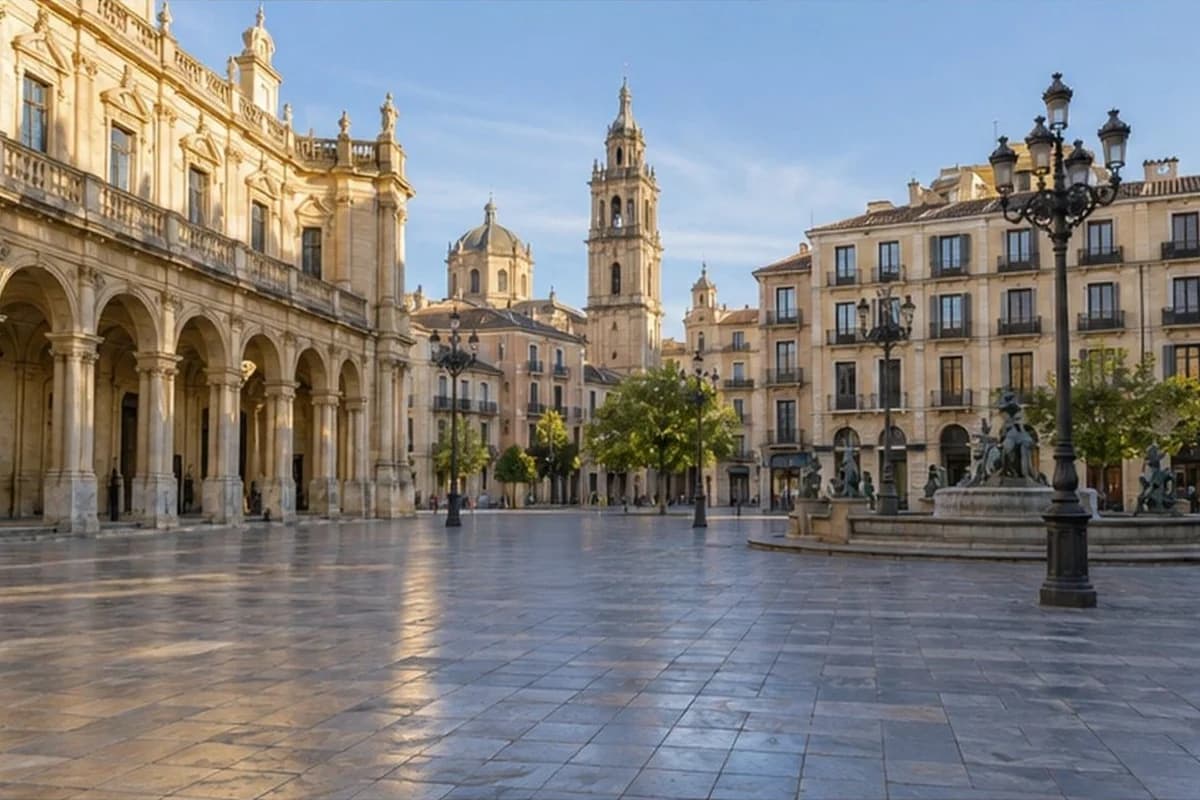
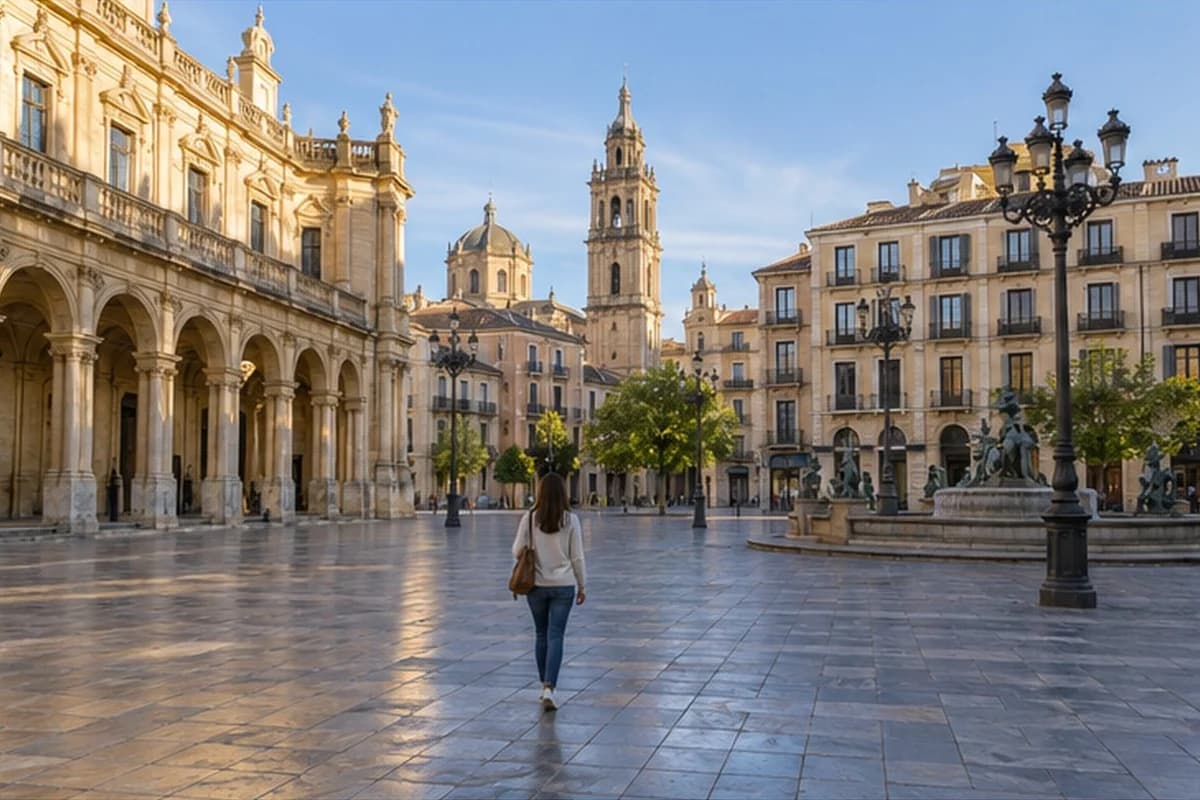
Remove people
View prompt
Remove the single passerby from the photo. Reconstruct the obscured background naturally. Preserve all other objects, lighting, camera angle, and composition.
Upload a photo, type what you want changed, and download the edited image.
Describe one change at a time, and say what should stay the same.
0/5003 free edits today. No sign-up, no watermark.
Real before and after examples
One AI picture editor covers the edits people ask for most. Pick a quick edit or write your own prompt.
Remove the single passerby from the photo. Reconstruct the obscured background naturally. Preserve all other objects, lighting, camera angle, and composition.
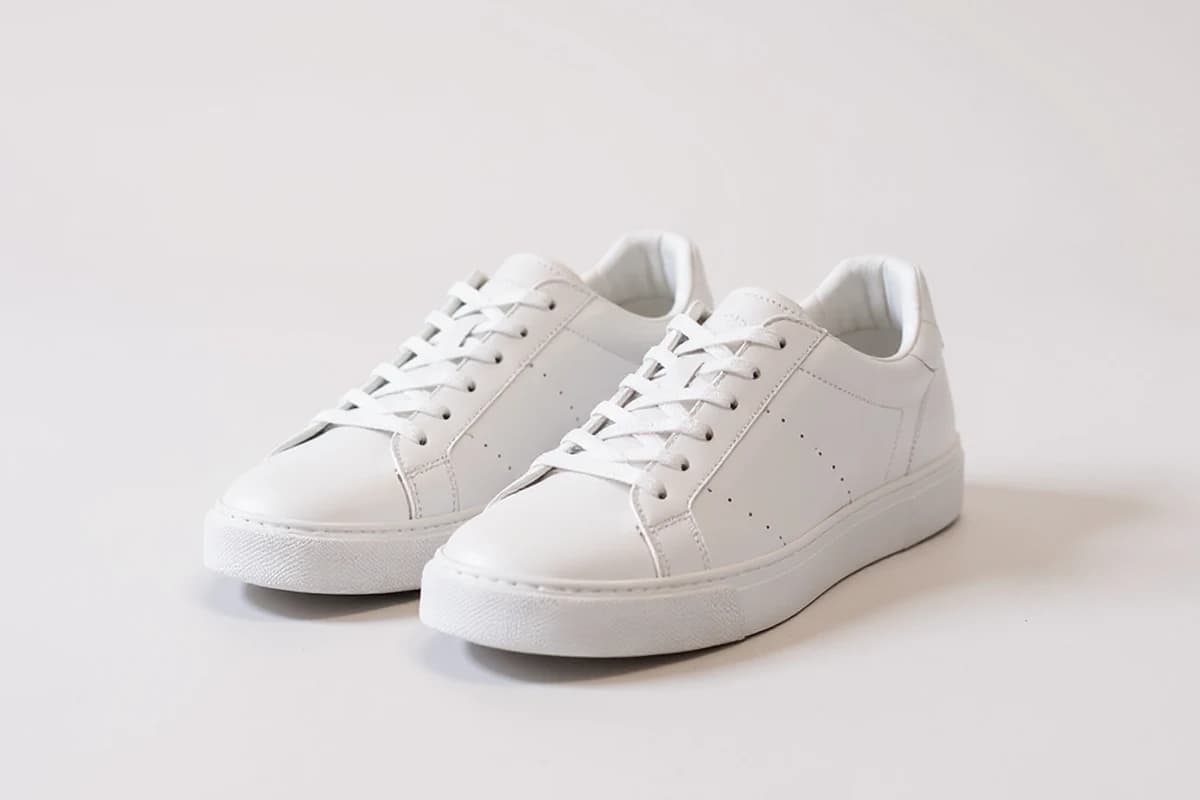
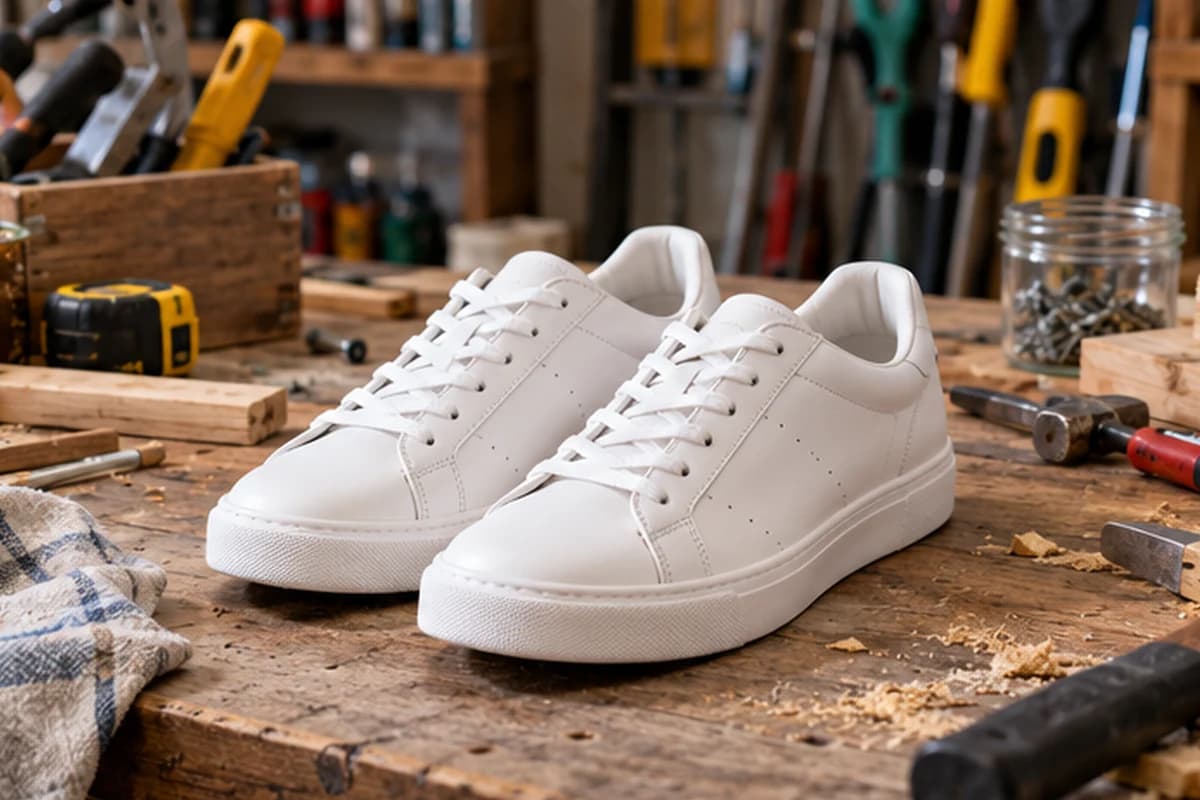
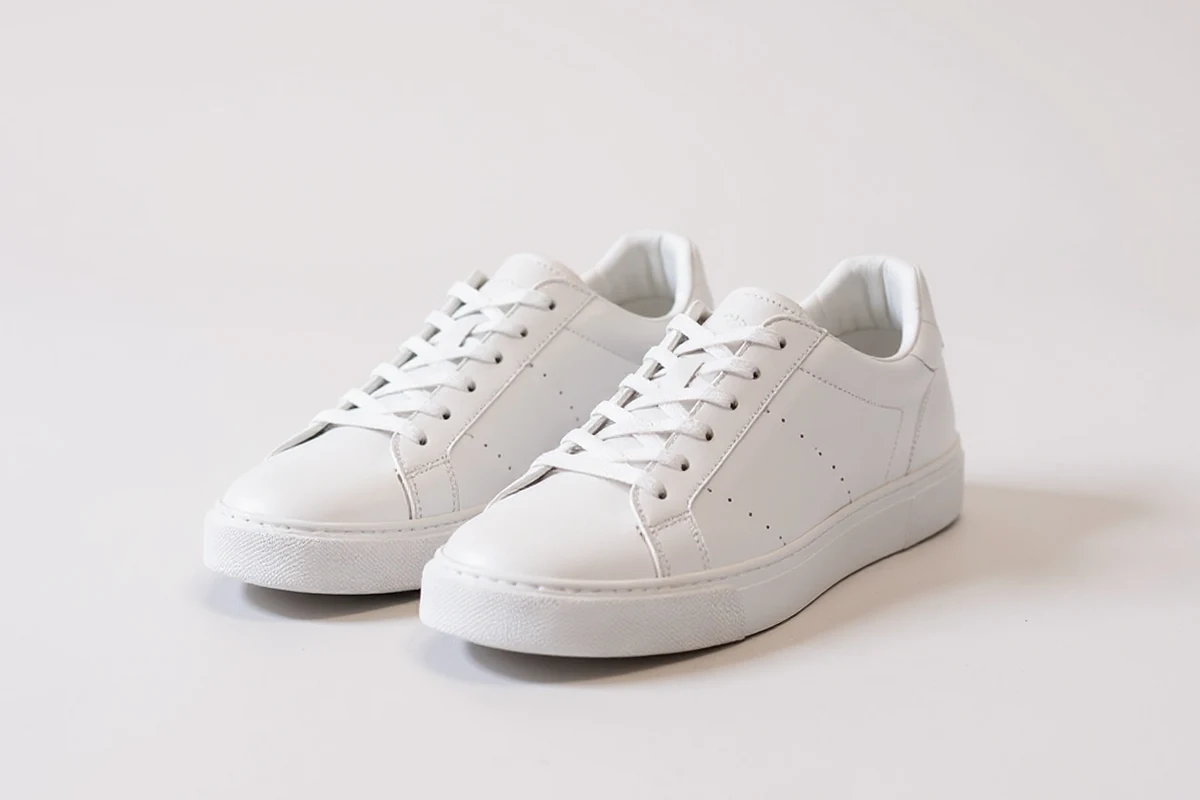
Replace the wooden workshop background with a clean light-gray studio background. Preserve both white sneakers exactly, including shape, material, laces, position, and lighting.
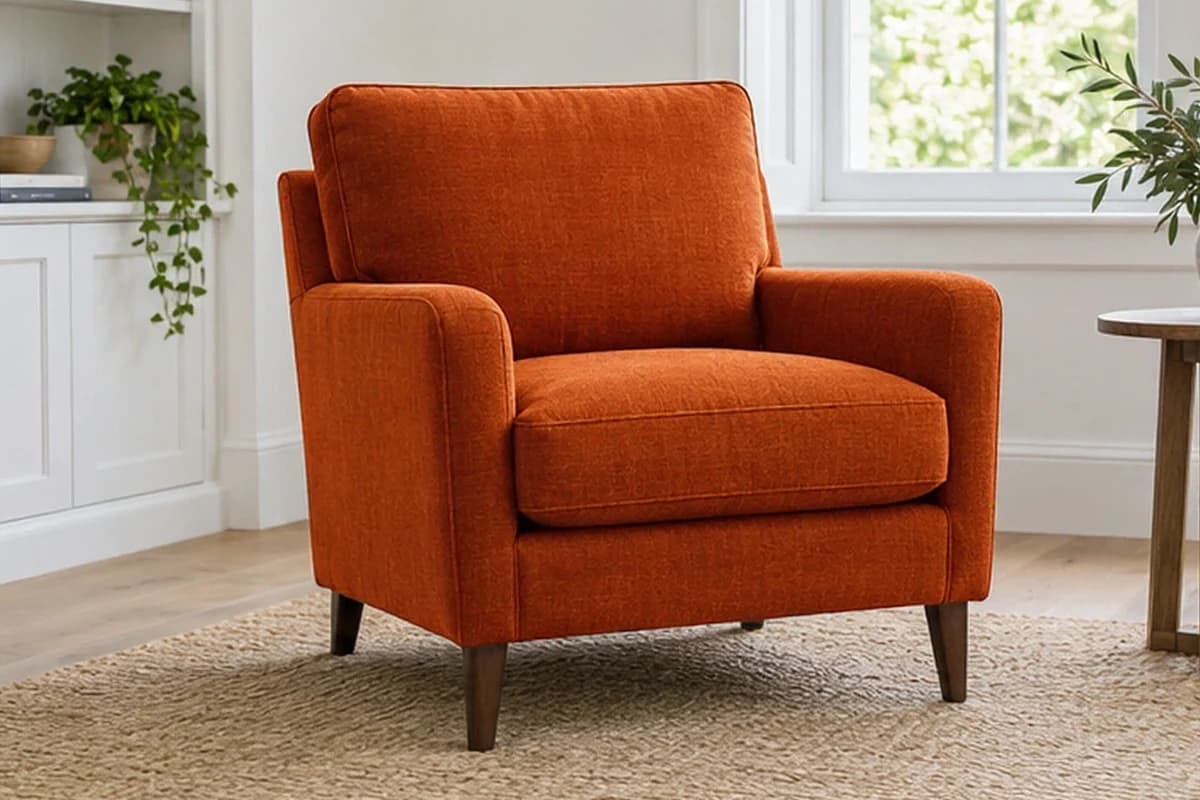
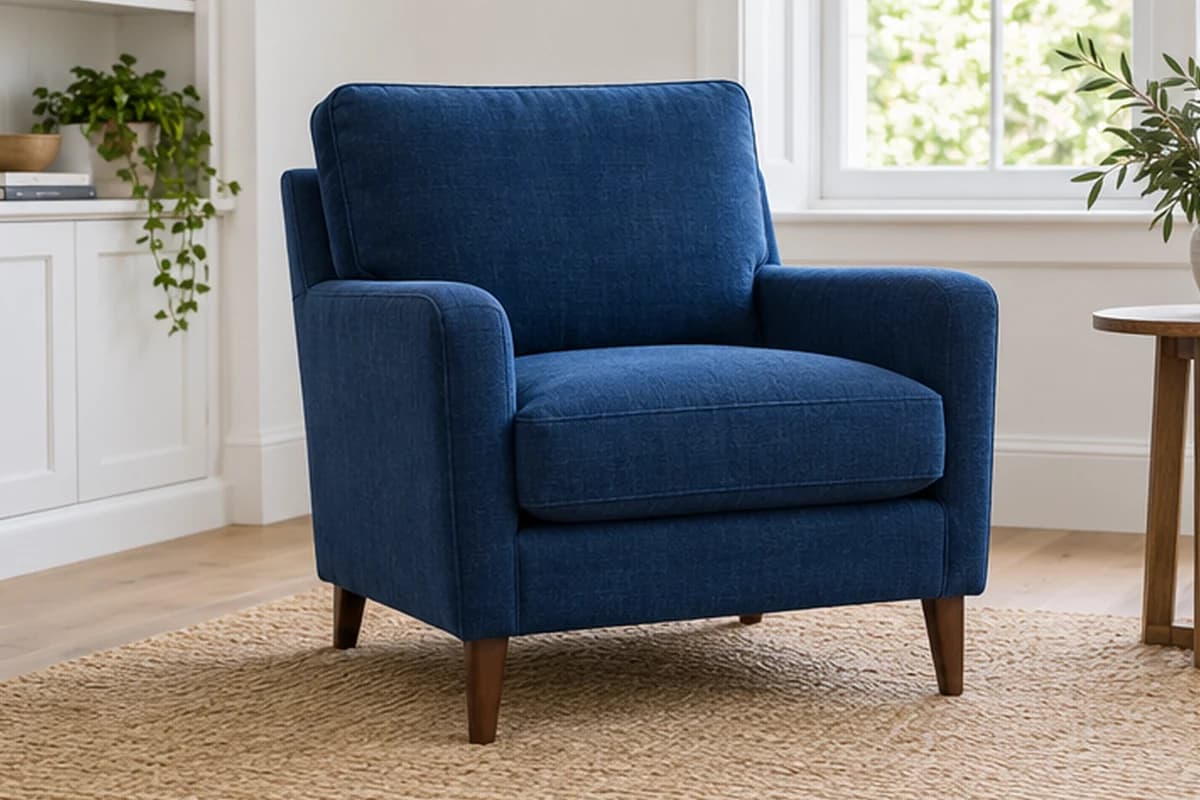
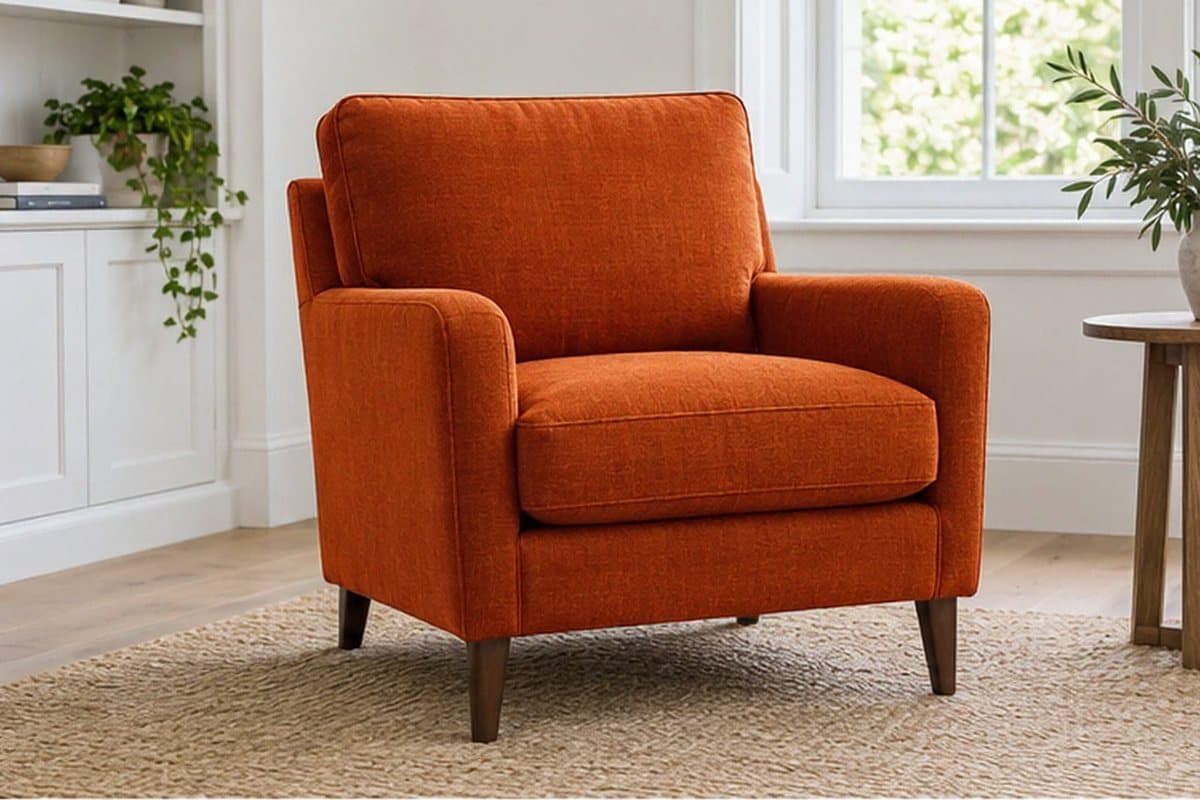
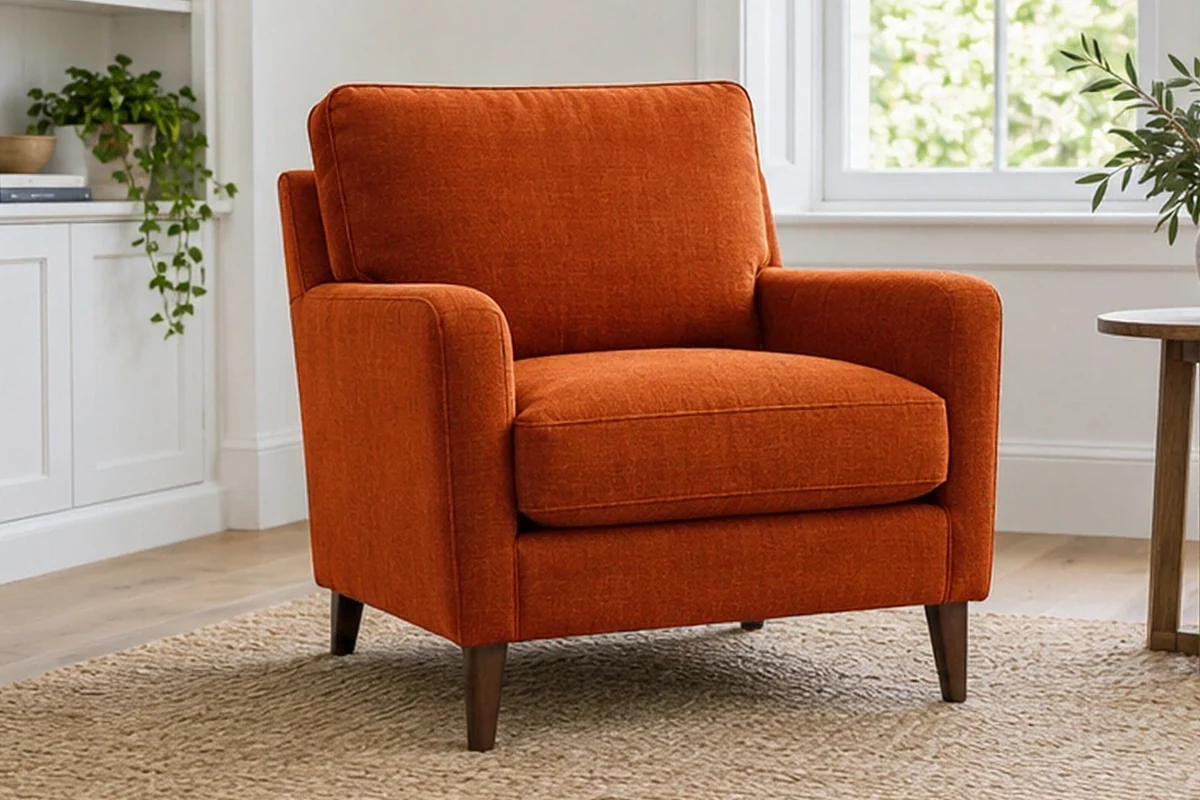
Change only the armchair upholstery from deep blue to warm burnt orange. Preserve its shape, seams, legs, room, lighting, and composition.
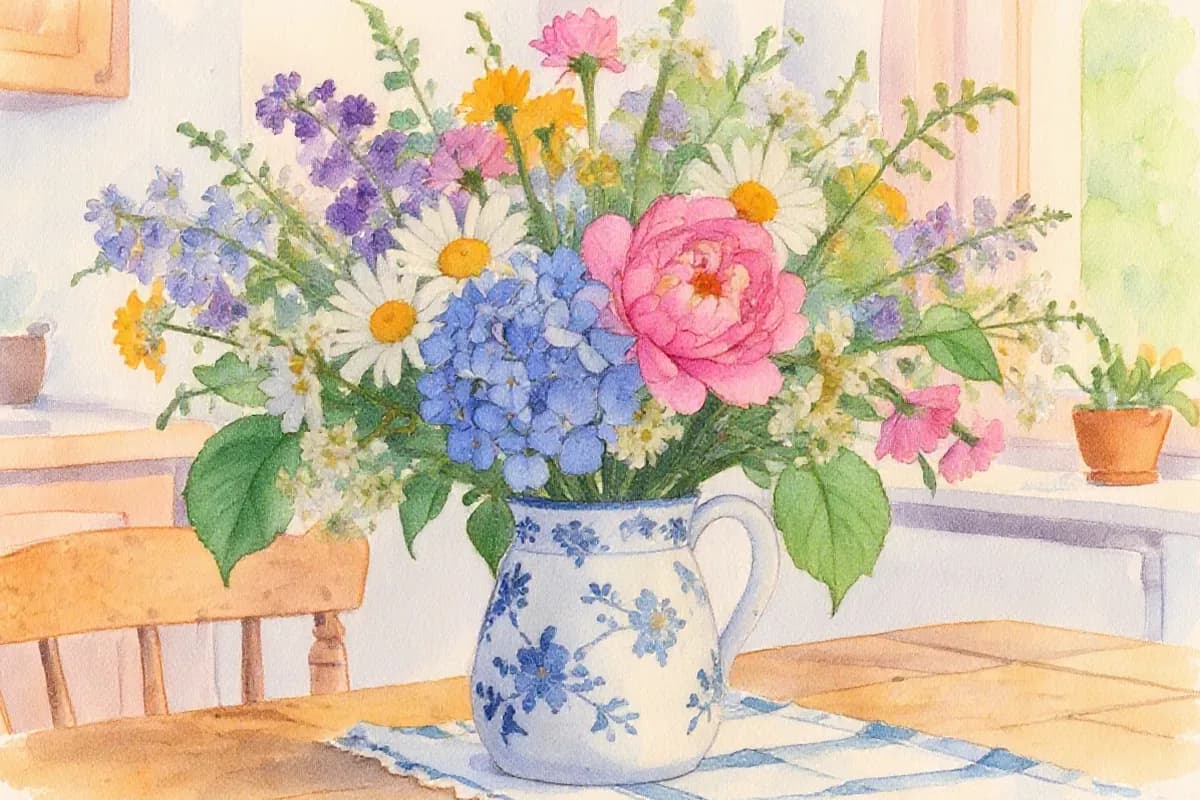
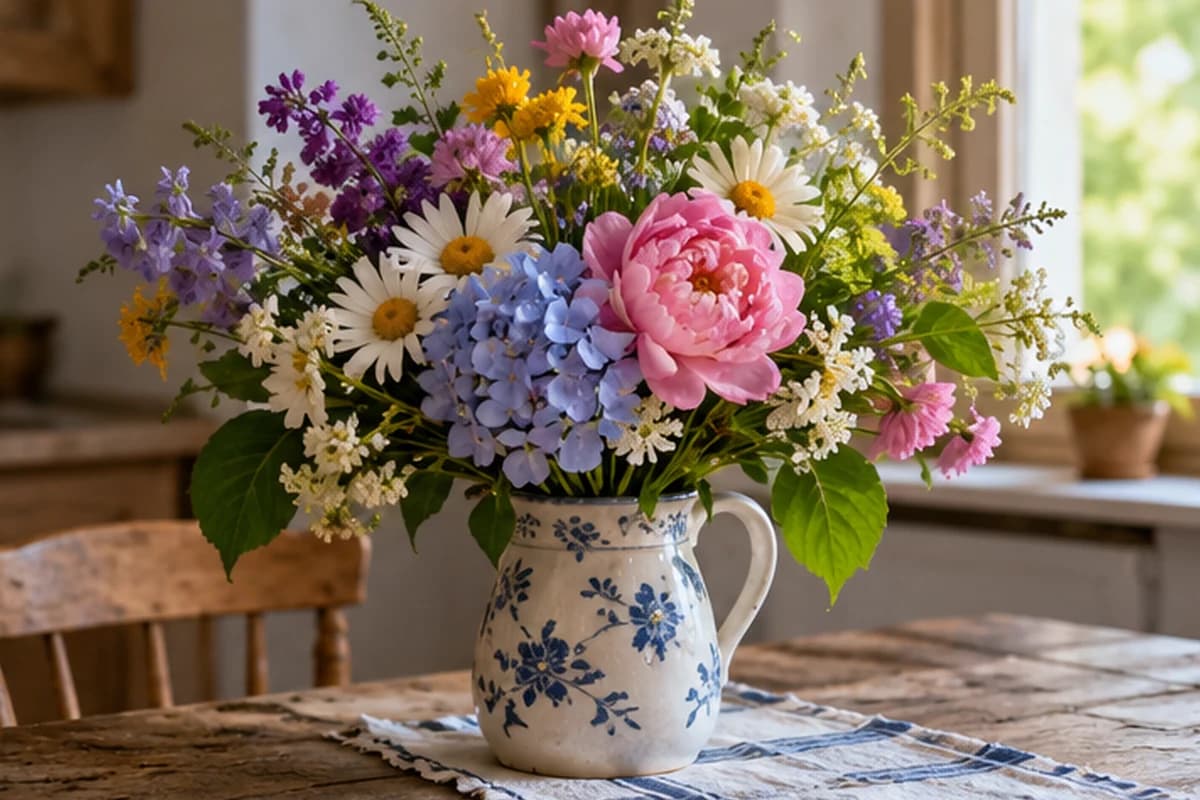
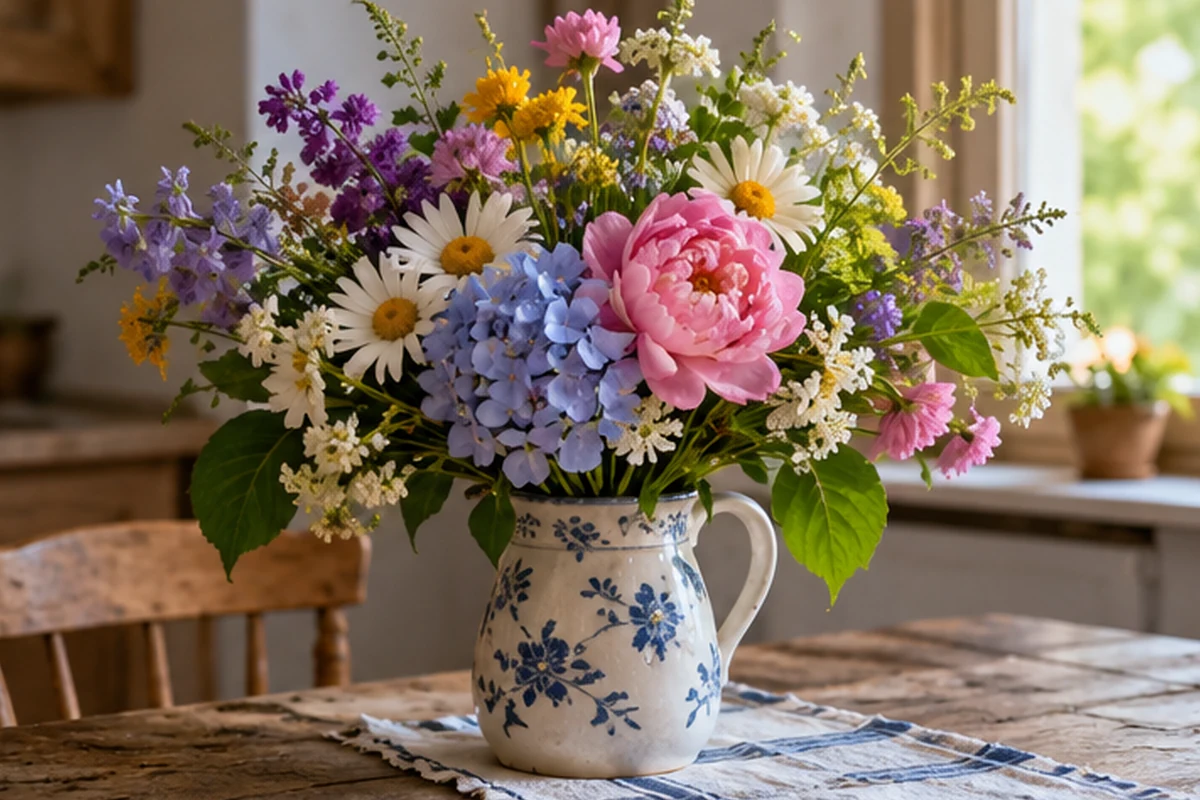
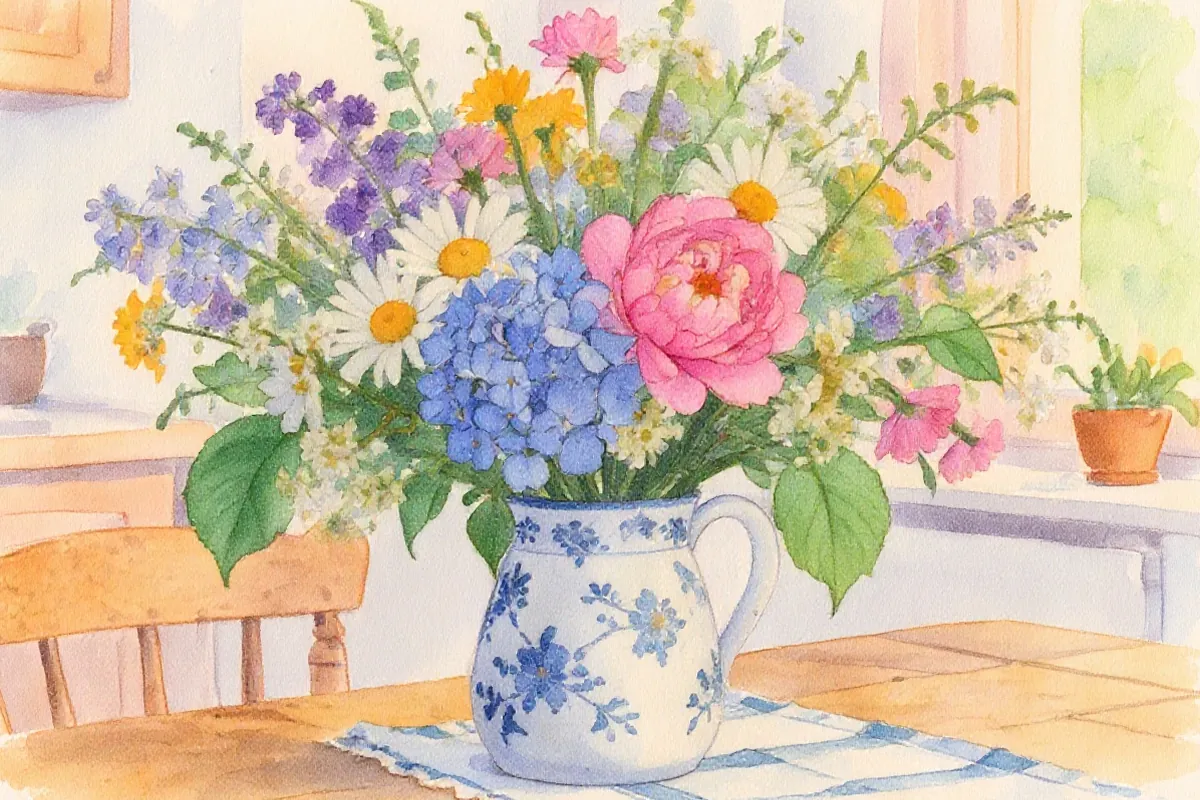
Transform this photo into a loose watercolor painting with visible brushstrokes. Preserve the bouquet, individual flower colors, vase, table, and composition.
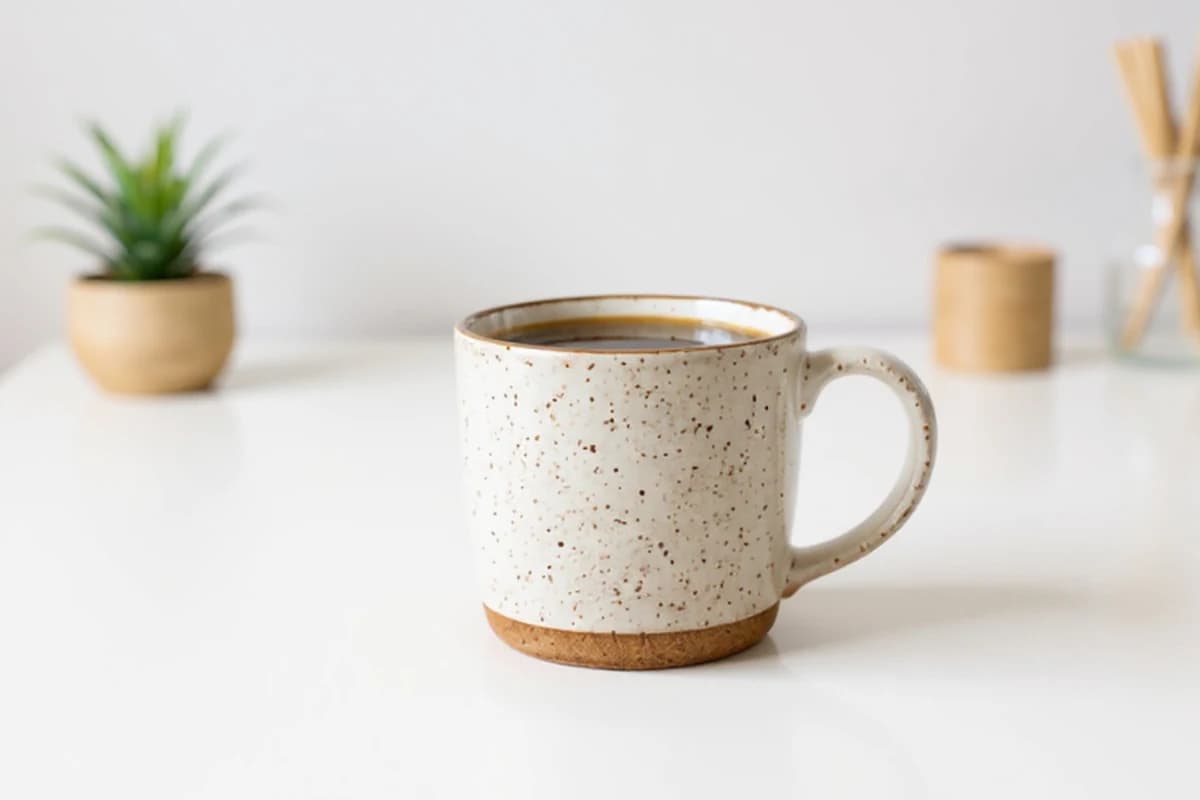
Replace the cluttered desk behind the ceramic mug with a clean, bright minimalist home office background. Preserve the mug exactly, including its shape, color, texture, position, and lighting.
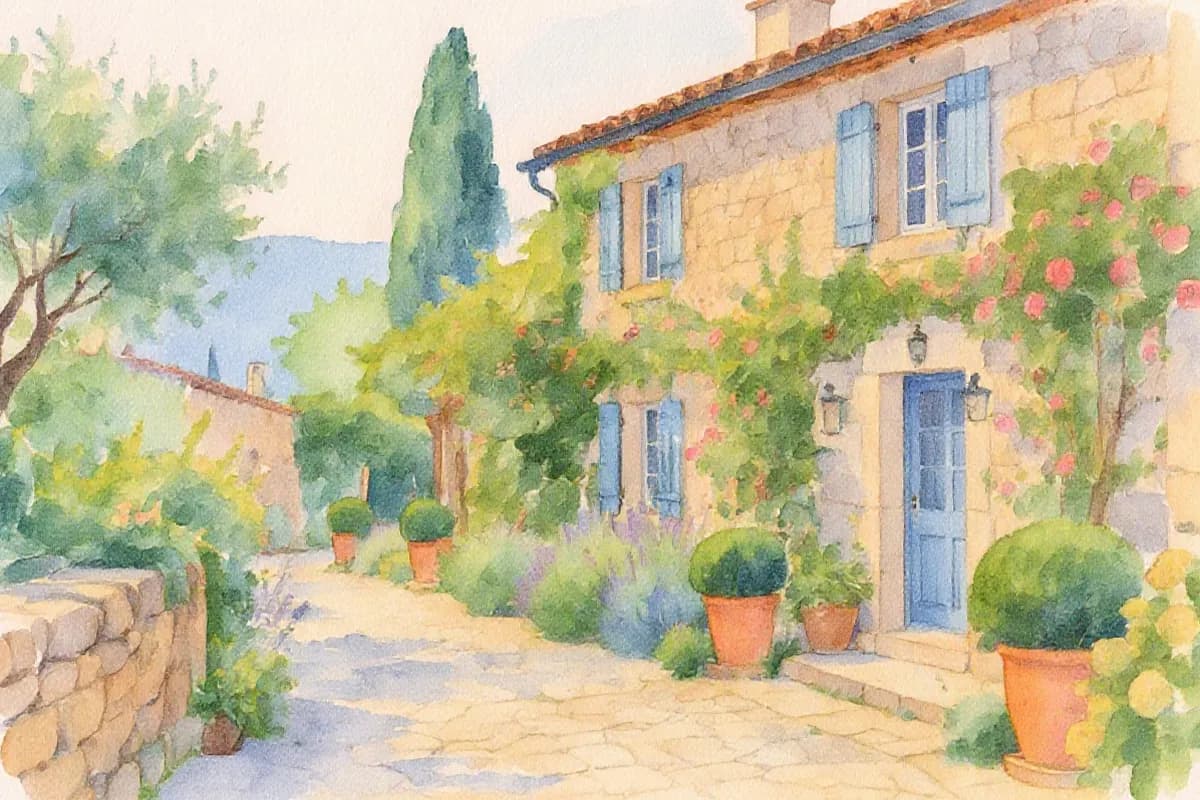
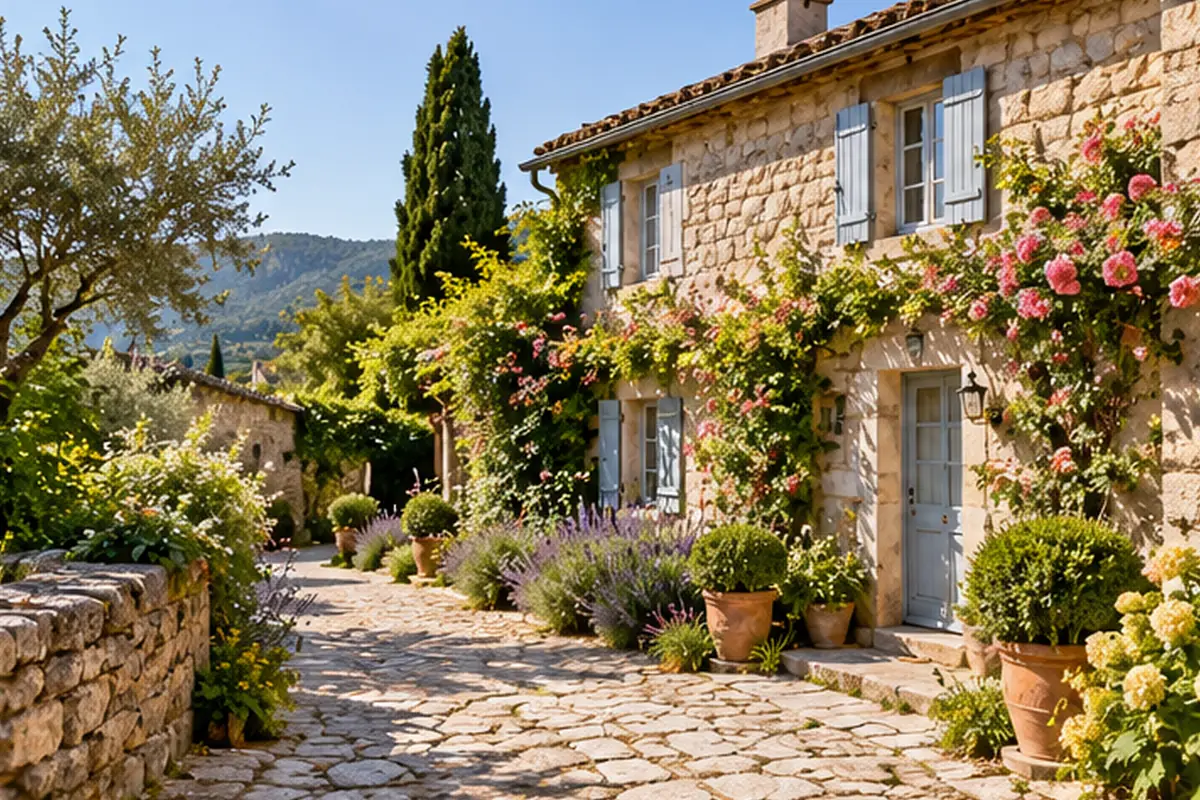
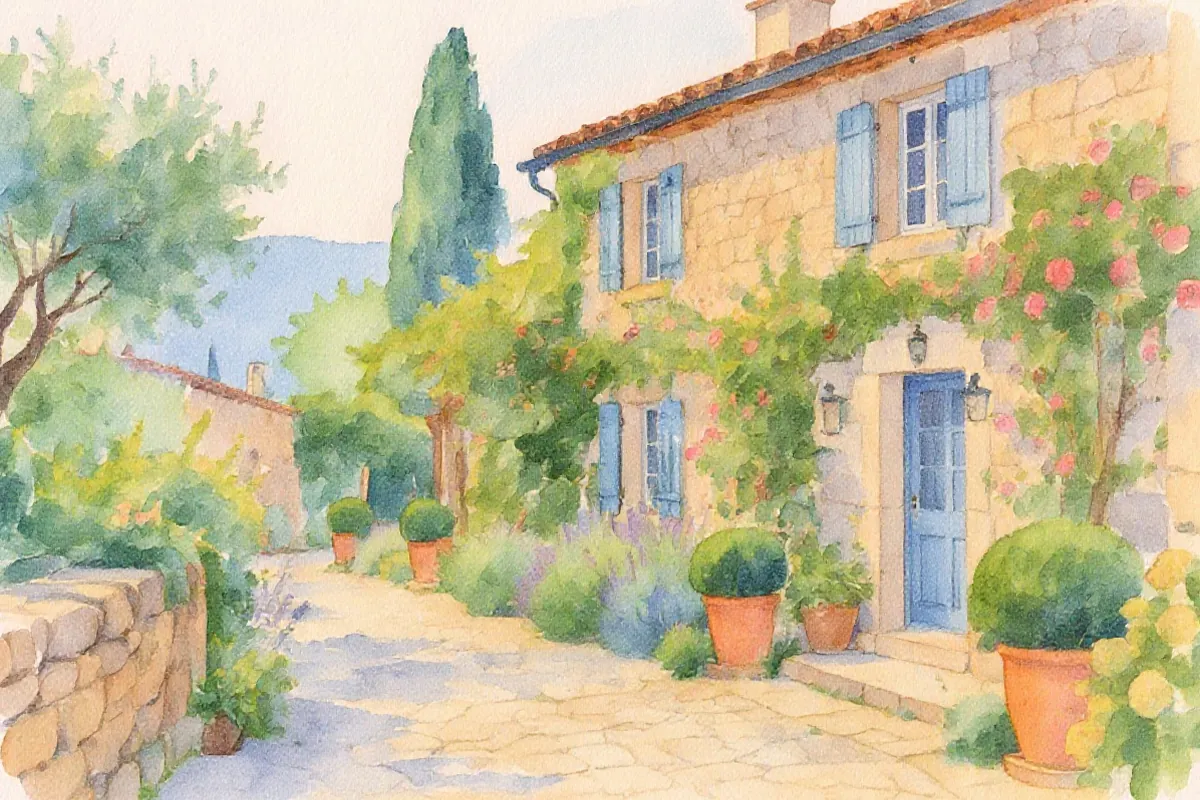
Transform this photo into a soft watercolor illustration with visible paper texture and gentle brushwork. Preserve the cottage, flowers, path, and composition.
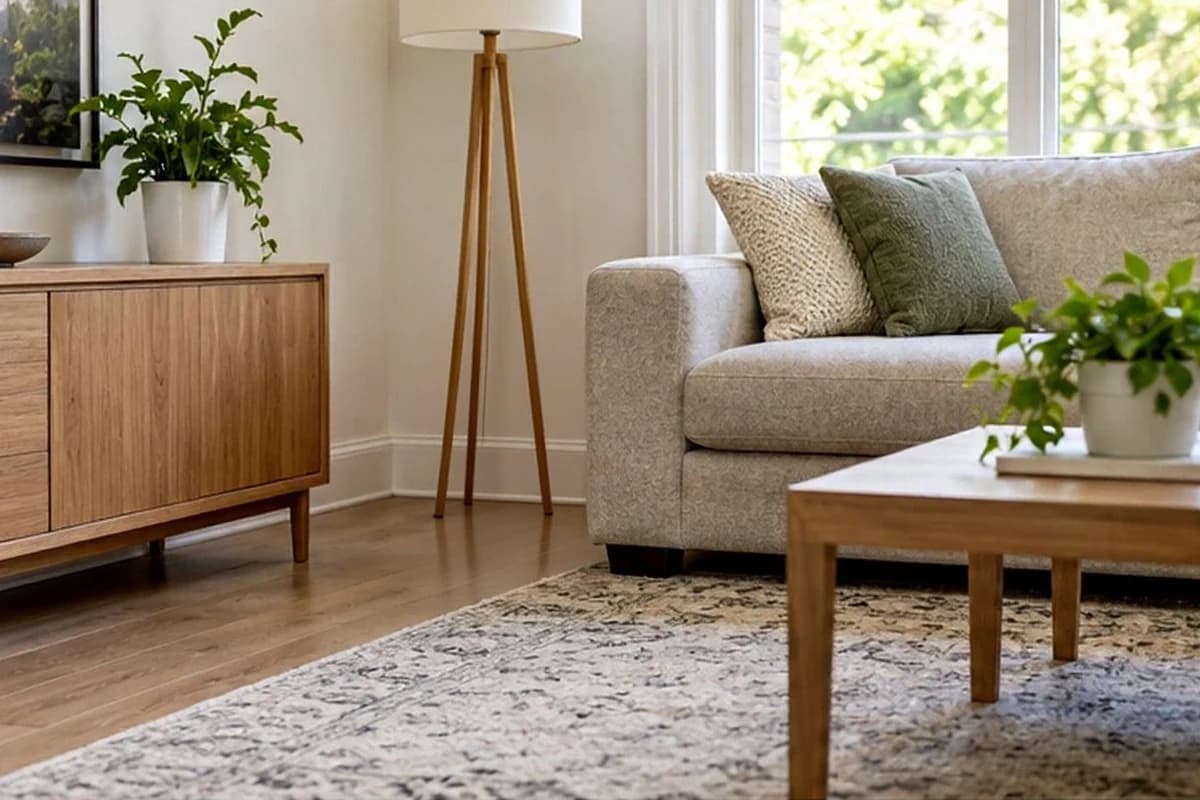
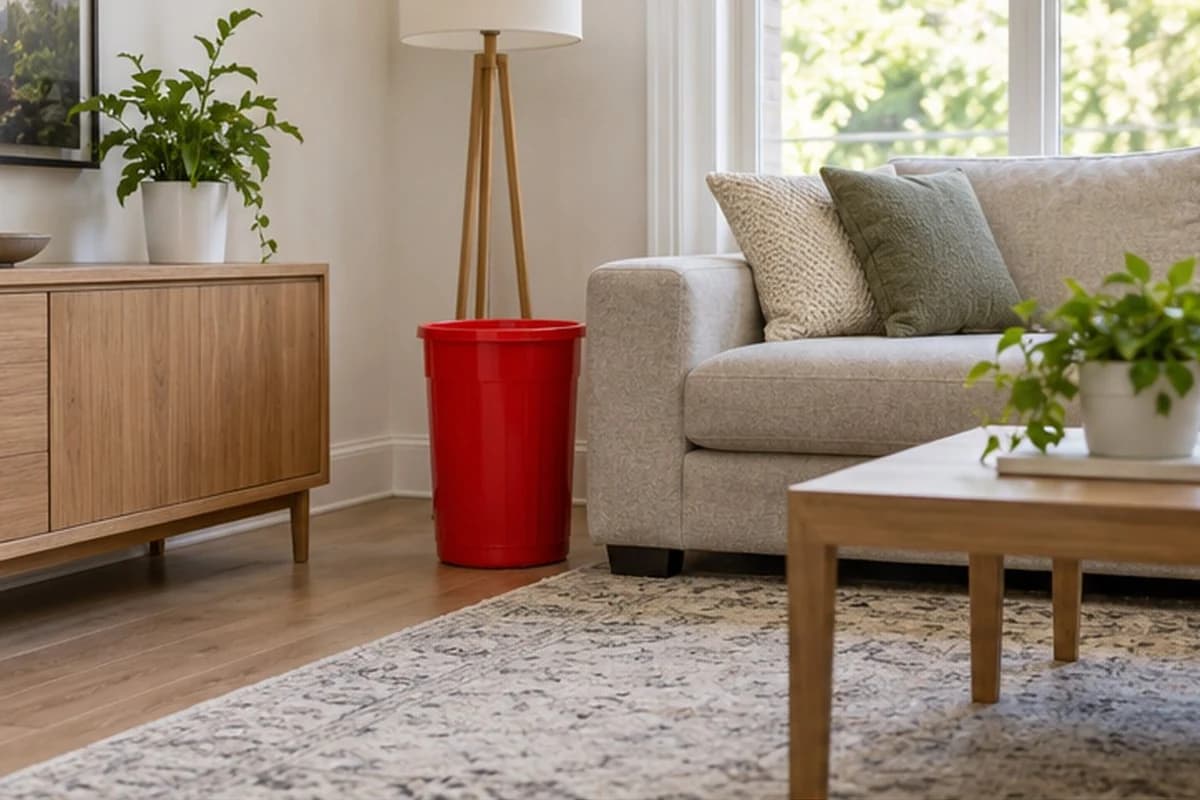
Remove the red plastic waste bin beside the sofa. Reconstruct the floor and wall naturally. Preserve every other object and the room composition.
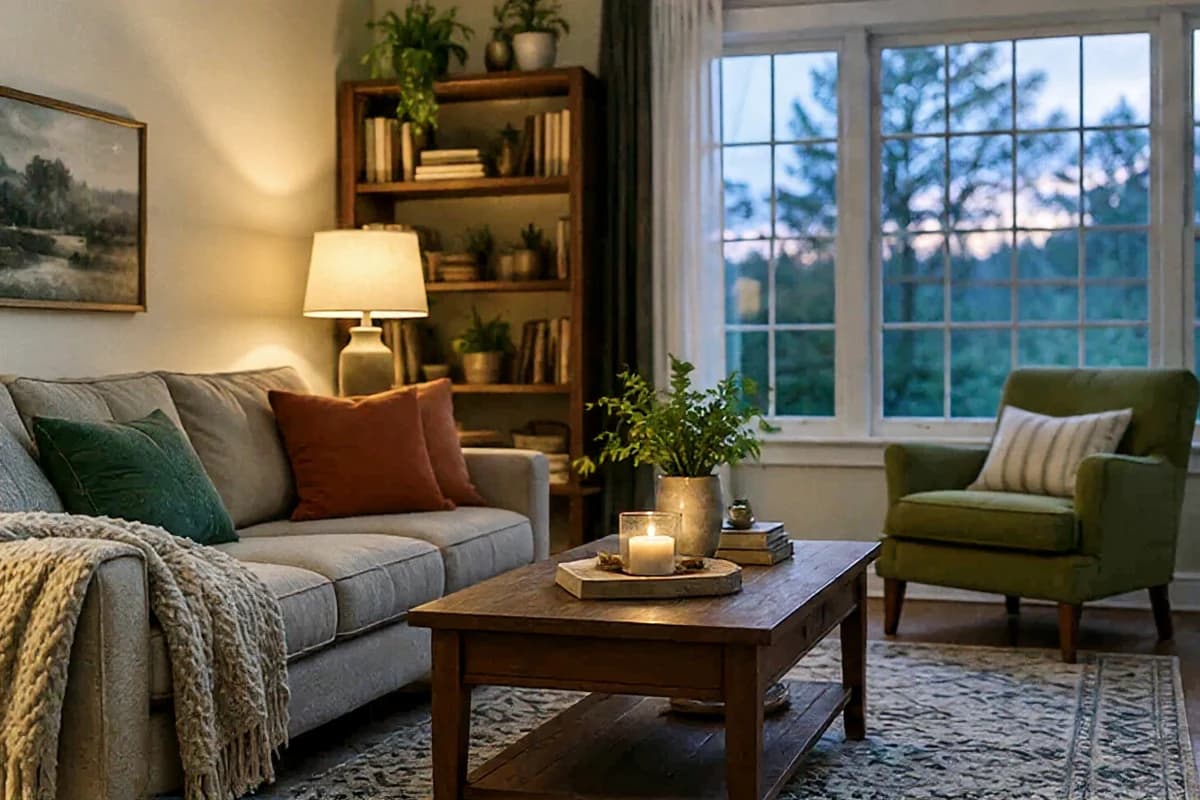
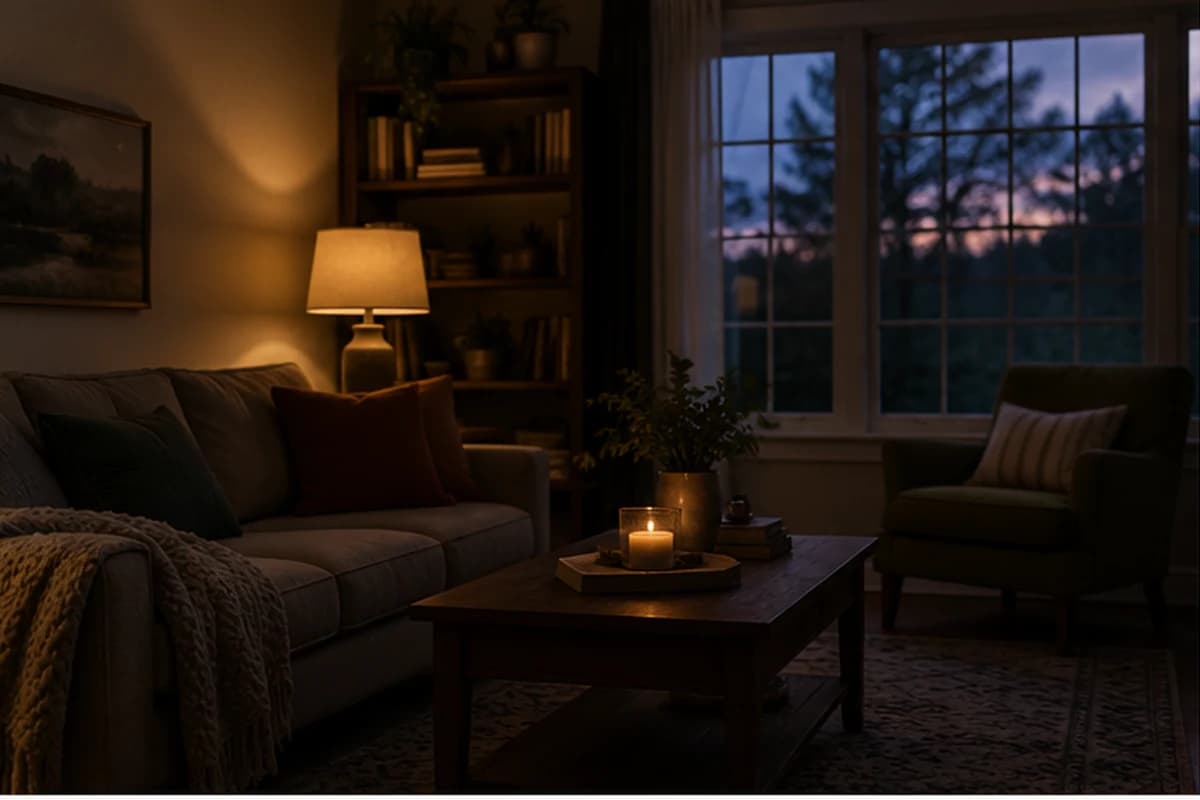
Brighten this dim living room photo and improve clarity and natural color. Keep the furniture, layout, and composition the same.
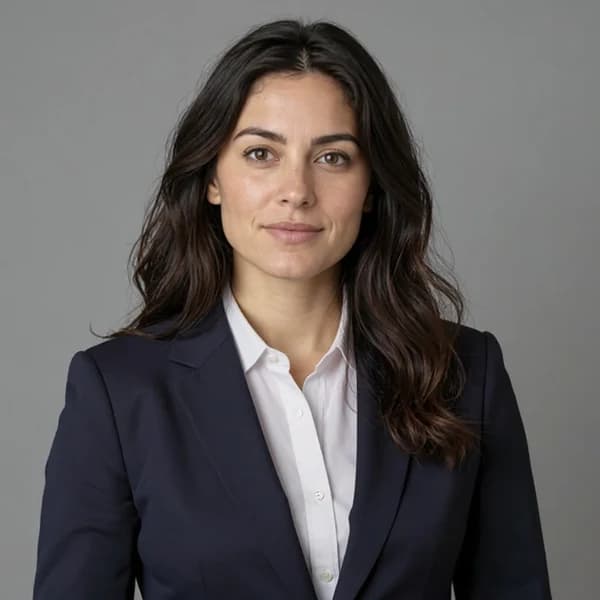
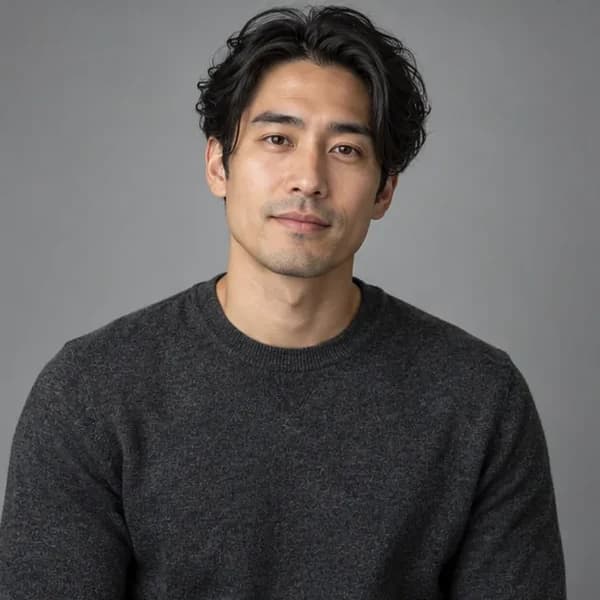
Replace the olive sweater with a navy blazer over a white shirt. Keep the same face, hair, pose, body shape, lighting, and background.
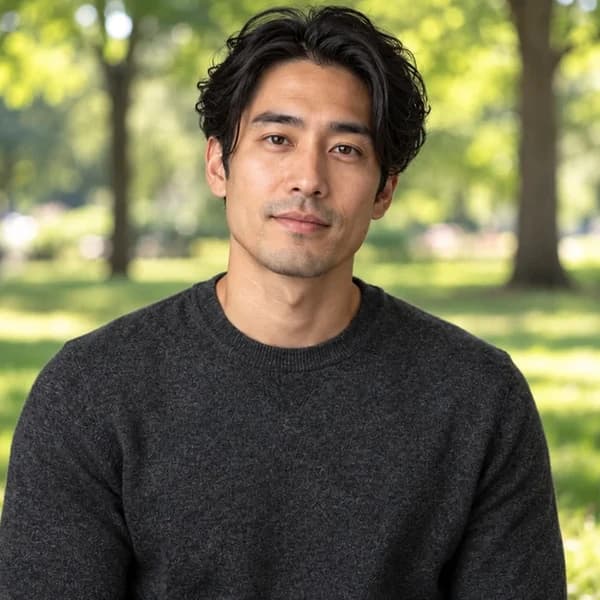
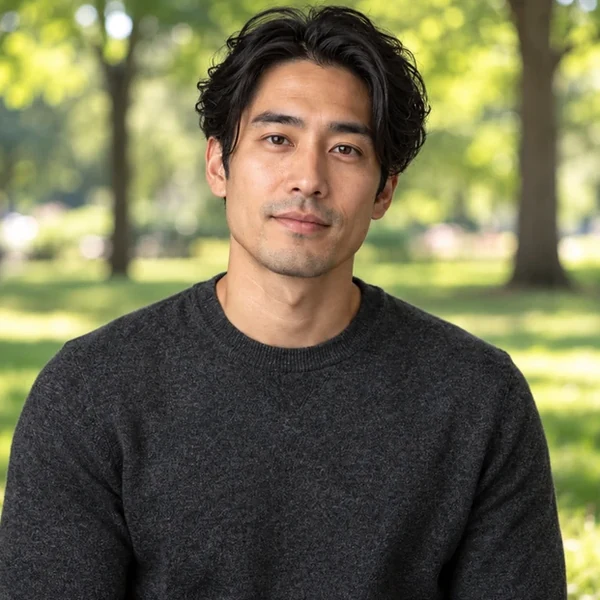
Replace the plain gray studio background with a softly blurred sunlit park. Keep the same person, face, hair, clothing, pose, lighting, and composition.
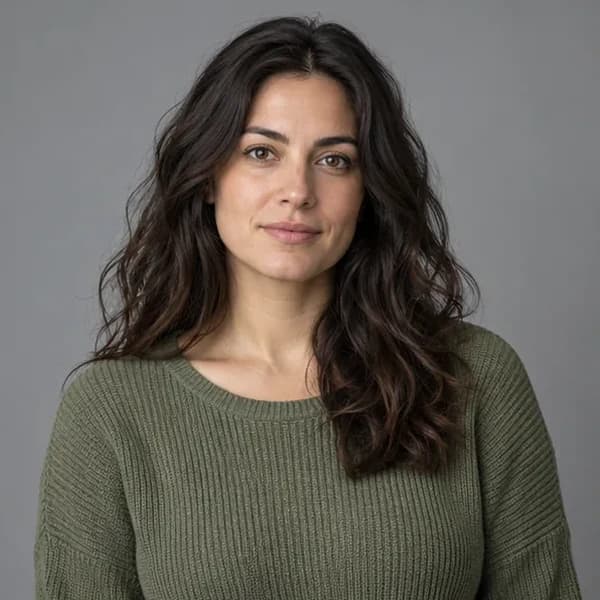
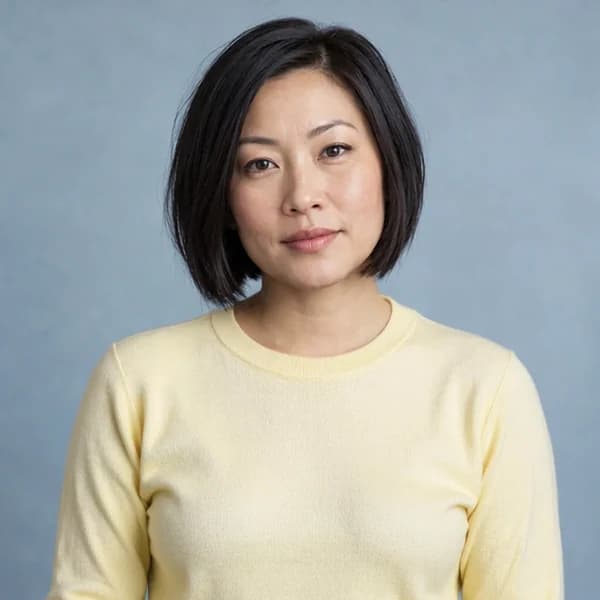
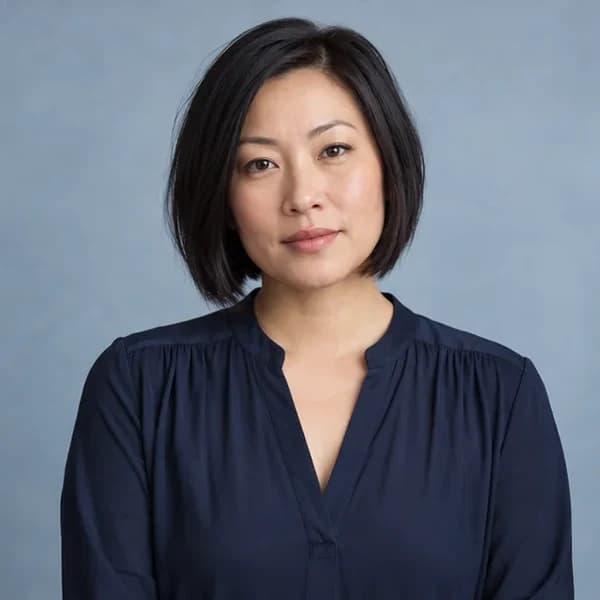
Replace the navy blouse with a pale yellow knit sweater. Keep the same face, hair, pose, body shape, lighting, and background.
Want something else? See 25 example prompts in our guide to the AI image editor with prompt.
Want to preview an outfit change? Try the AI clothes changer with a prefilled prompt and real sample results.
Most photo editing apps make you learn layers, brushes and masks. This AI image editor works the other way round: you describe the change in plain English, and the AI makes it. Ask it to remove a person, swap the background, change the color of a shirt or turn a photo into a watercolor painting, and it edits the picture while keeping the rest of the scene in place.
It runs in your browser on a phone or a computer, with nothing to install. You can use it as a free AI photo editor with no sign-up — 3 edits a day — and every result downloads without a watermark. When you need more edits, sign in or buy a credit pack. There is no subscription.
People use it to clean up product photos for a shop listing, take strangers out of travel pictures, try a new wall color before painting, or make an illustrated version of a portrait. If you can describe the change in one sentence, you can try it here.
Free and paid results both download clean.
One-time credit packs. No subscription.
Only completed edits use a free edit or credit.
Photos are deleted after 3 days and never shown publicly.
Free
$0
No sign-up or payment needed.
Sign in with Google — 5 free credits when you sign up. 1 credit per edit.
One-time payments, not subscriptions. Secure checkout by Stripe.
See pricing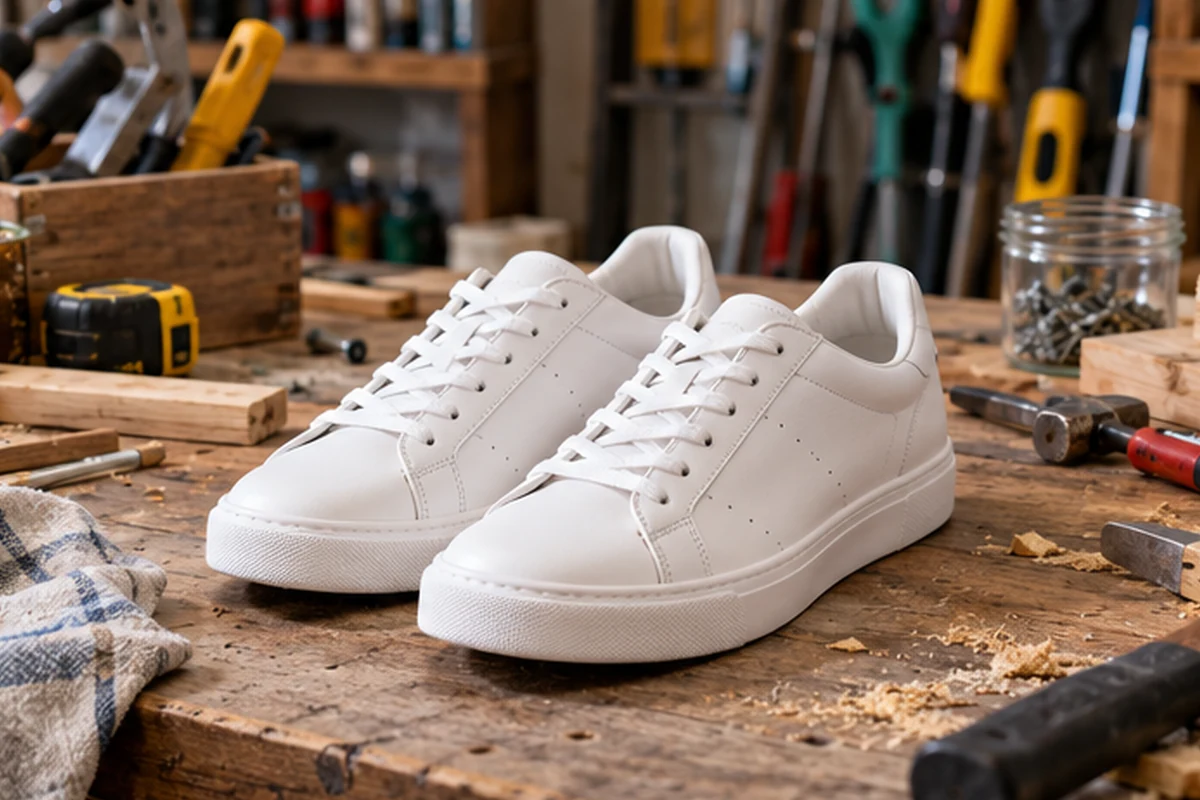 01
JPG, PNG or WebP, up to 10 MB. Large photos are resized in your browser before upload.
 02
Type a prompt or pick a quick edit, then click Edit Image.
Drag the slider to see before and after, then download the result. No watermark.
Uploads and results are stored only to complete your edit and are deleted automatically after 3 days. They are never shown publicly.
JPG, PNG or WebP up to 10 MB, one photo per edit. Results are about 1K resolution (around 1024 pixels on a side).
We don't make nude or sexual edits, remove clothing, show minors in any inappropriate way, or fake IDs, documents or receipts. Requests like these are refused and don't use a free edit.
AI edits aren't pixel-perfect. Small text, hands and faces in the background can change, and a complex edit may take a few tries. One clear change per prompt works best.
Something else? Email [email protected]
Yes. You get 3 free edits a day without an account, and downloads have no watermark. For more, sign in to get 5 free credits or buy a one-time credit pack.
No. The 3 daily edits work without an account. Signing in with Google is only needed for credits.
No. Free and paid results both download without a watermark.
Backgrounds, colors, objects, people, lighting and style. Describe the change in plain English, for example “Replace the background with a beach at sunset”. See our prompt examples for ideas.
Say what to change, where it is, and what should stay the same. “Change the red car to blue and keep everything else the same” works better than “make it better”.
The AI redraws the image to make your edit, so nearby details can shift. Add “keep everything else the same” to your prompt, or try again.
They are used only to make your edit and are deleted automatically after 3 days.
No. Only successful edits count. Try again counts as a new edit.
Upload a photo and tell the AI what to change — no sign-up needed.
Edit a Photo