Photo to Sketch

Upload a photo and get a black and white pencil drawing.

No photo yet
130/500

3 free edits today. No sign-up, no watermark.

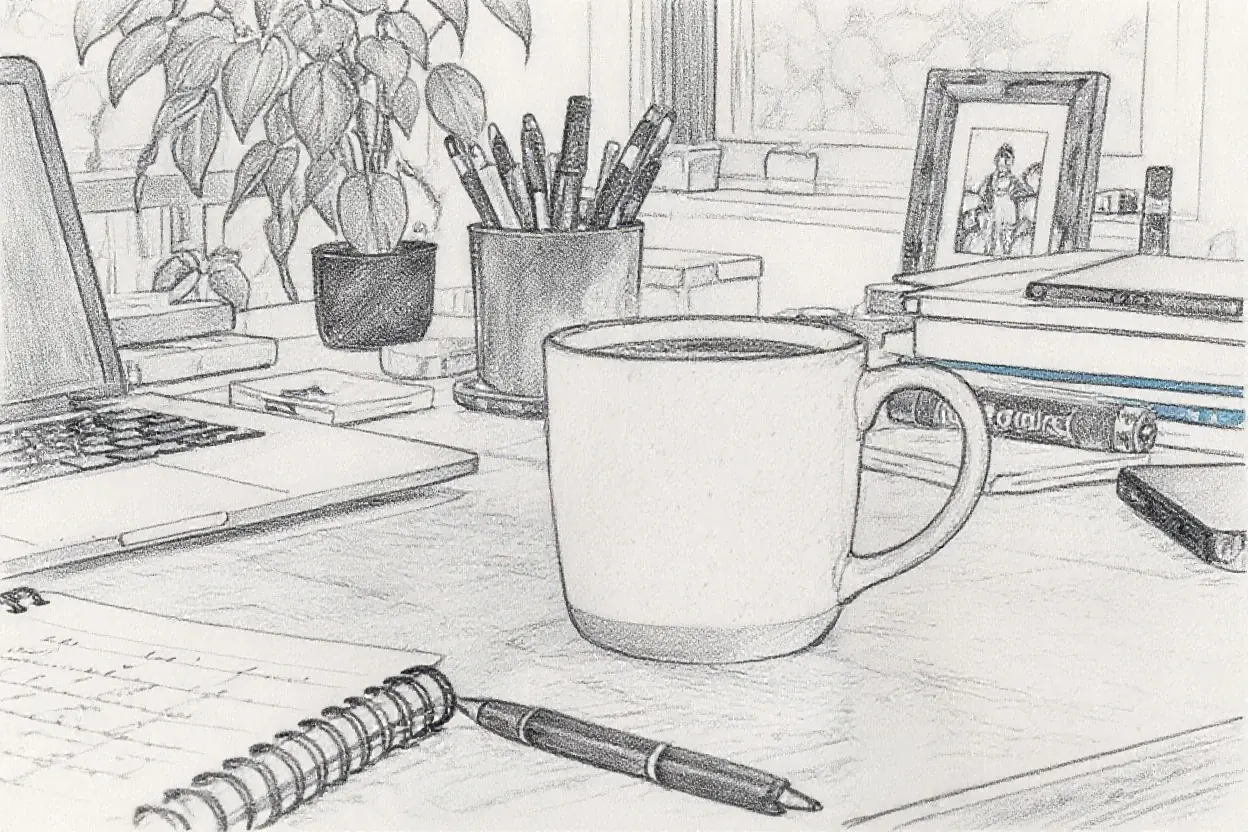
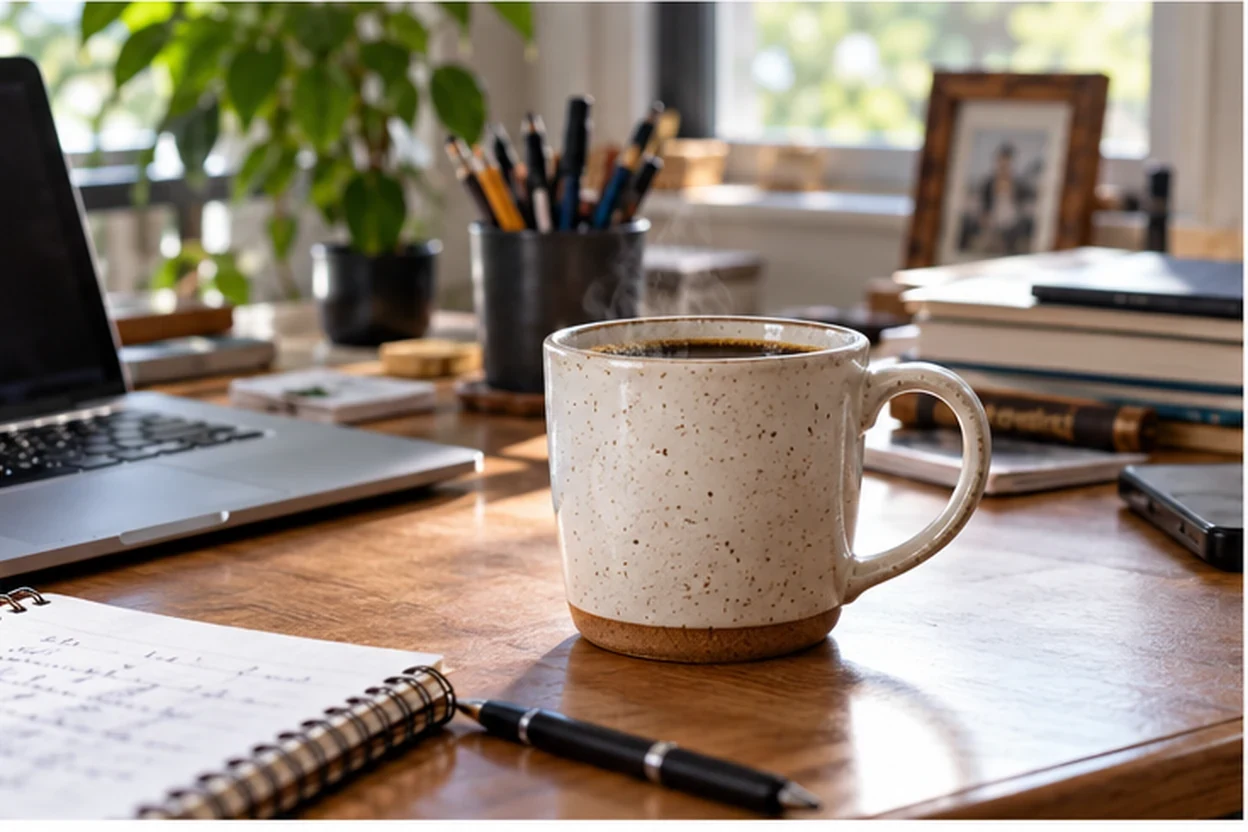
A desk with a cup and laptop shown before and after a pencil sketch edit. After
A desk with a cup and laptop shown before and after a pencil sketch edit. Before
BeforeAfter
Try a sample

Photo to Sketch Examples

This photo to sketch example keeps the cup, laptop and desk recognizable in a black and white drawing.
BeforeAfter

A desk scene in pencil lines

This photo to sketch example keeps the cup, laptop and desk recognizable in a black and white drawing.

View prompt

Turn this photo into a black and white pencil sketch with natural shading. Keep the composition and the main subject recognizable.
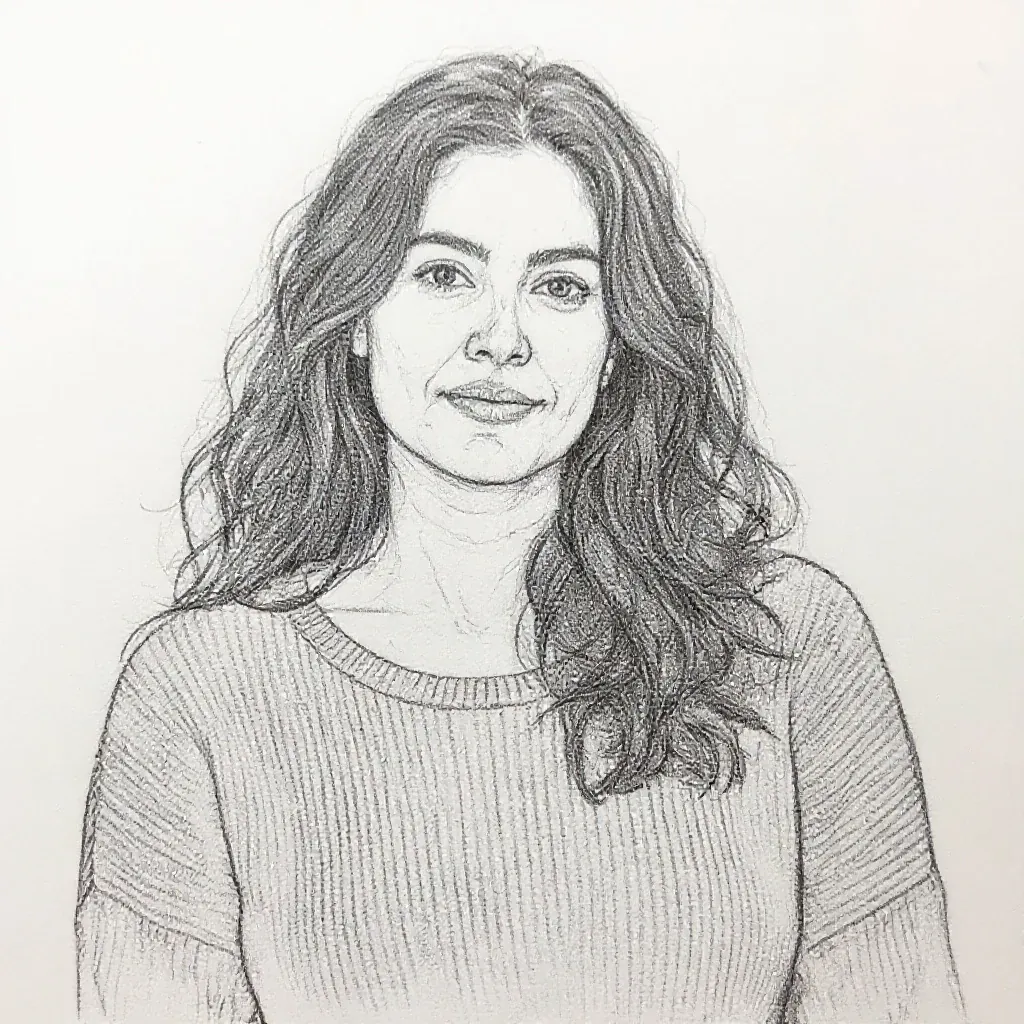
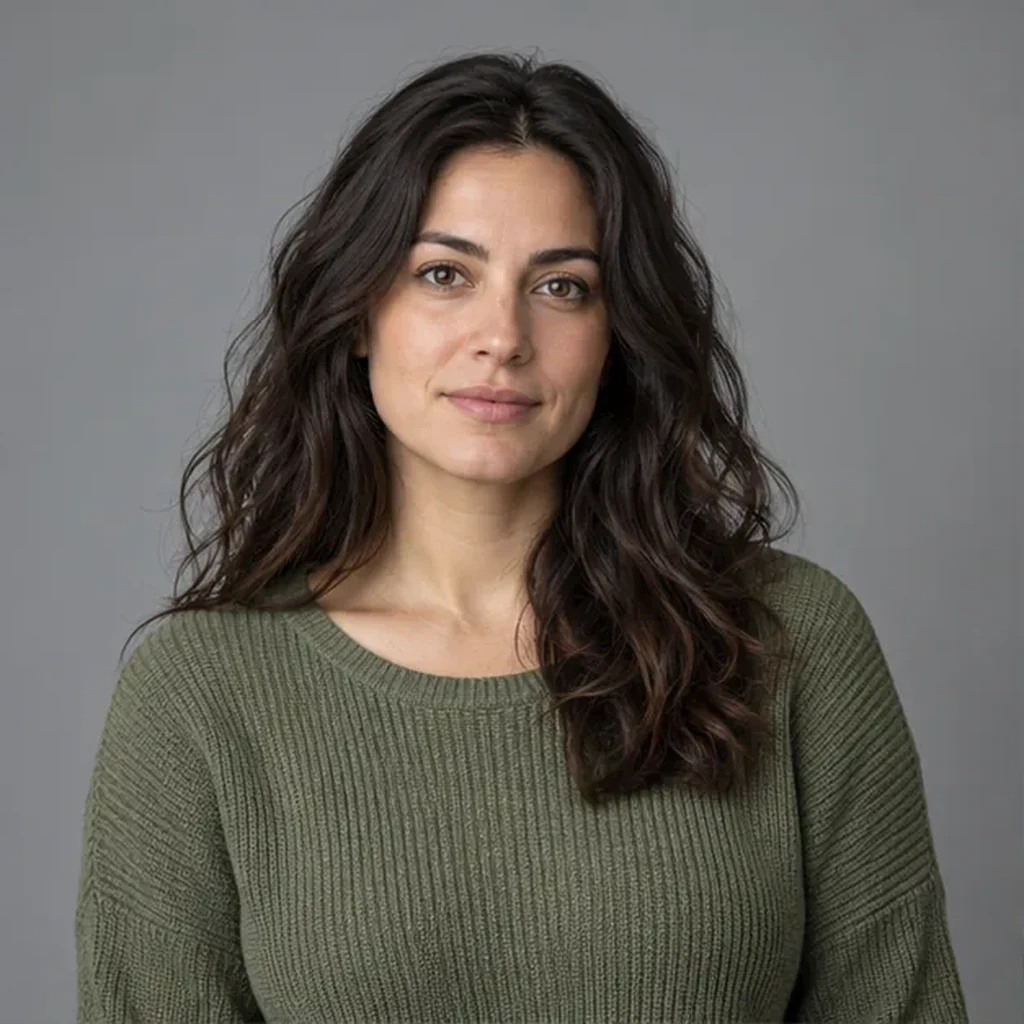
The portrait becomes a monochrome sketch while the face, hair and sweater remain recognizable.
BeforeAfter

A portrait with natural pencil shading

The portrait becomes a monochrome sketch while the face, hair and sweater remain recognizable.

View prompt

Turn this photo into a black and white pencil sketch with natural shading. Keep the composition and the main subject recognizable.
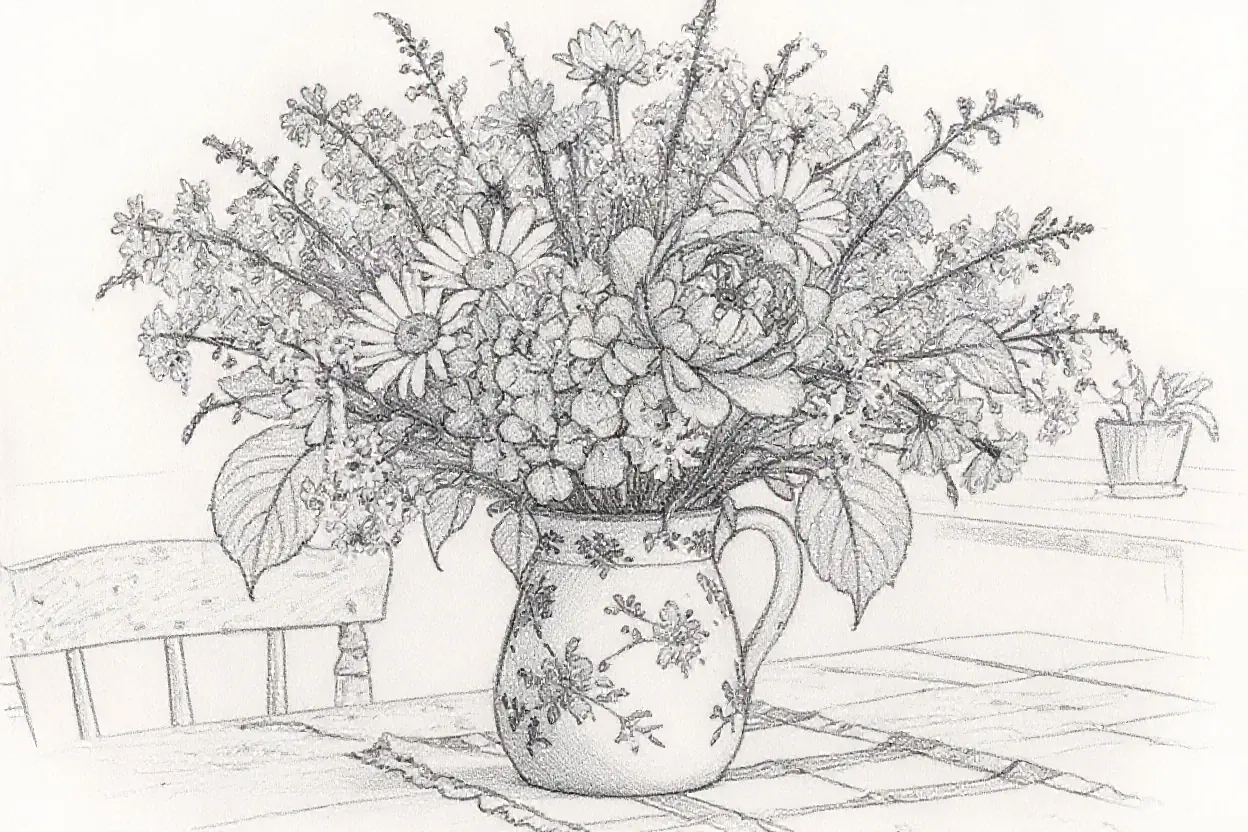
The bouquet, vase and tabletop remain recognizable in the pencil drawing.
BeforeAfter

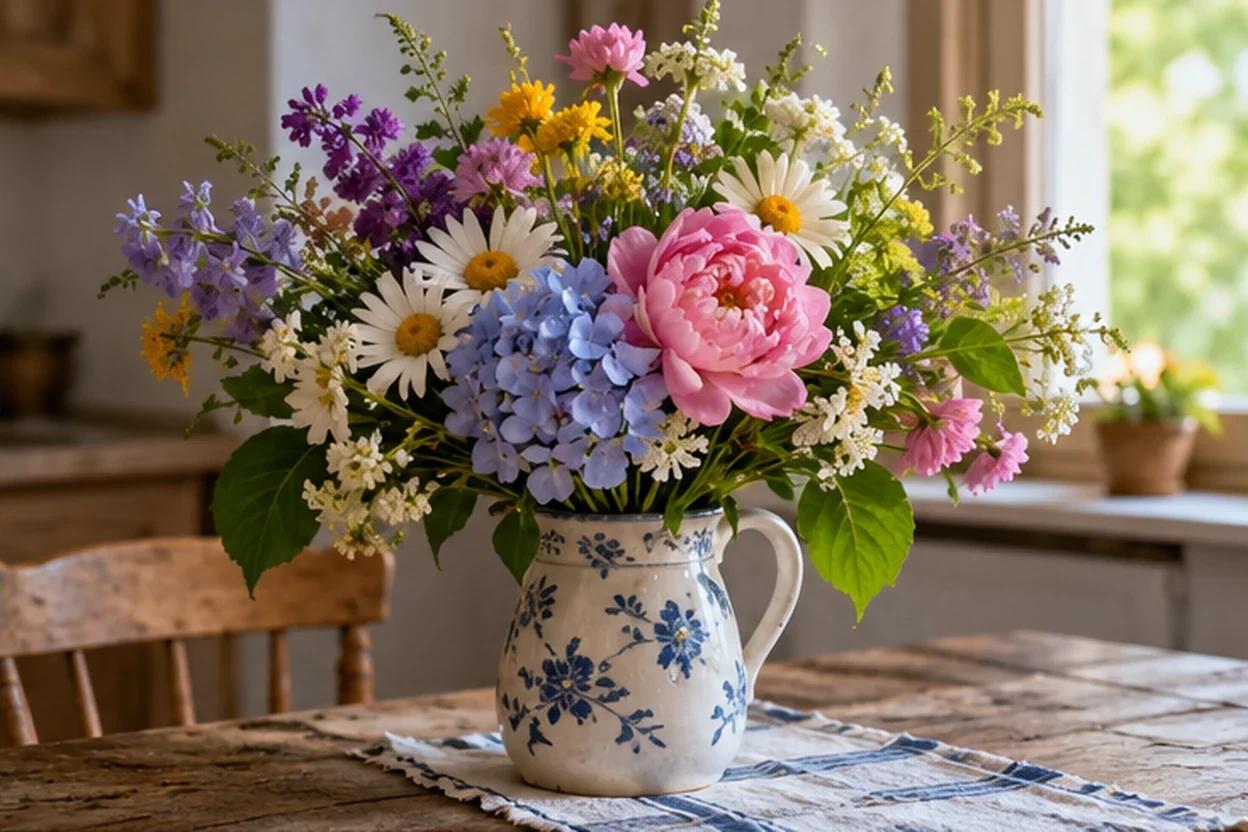
A flower arrangement drawn in pencil

The bouquet, vase and tabletop remain recognizable in the pencil drawing.

View prompt

Turn this photo into a black and white pencil sketch with natural shading. Keep the composition and the main subject recognizable.
How to Make a Sketch Drawing from a Photo

01

Upload a photo

Choose a clear portrait, object or scene in JPG, PNG or WebP format.

02

Describe the drawing

Start with the pencil sketch prompt or replace its style phrase with another general look.

03

Review and download

Compare the lines and shading with your photo, then download the image if it suits your use.

Pencil Sketch Prompt Tips

  1. Try another drawing medium.

    Replace the style phrase with “a charcoal sketch” or “a light line drawing” to try a different treatment.

  2. Choose a clear portrait.

    A front-facing photo with even light gives facial features clear edges to work from.

  3. Simplify a busy background.

    Add “keep the background simple” if you want to try a quieter scene; inspect the result for changes.

  4. Keep the composition instruction.

    Leave the sentence asking to keep the composition and main subject recognizable. It guides the edit but cannot guarantee exact details.

Photo and Sketch Drawing Limits

Supported uploads

Upload one JPG, PNG or WebP image at a time. Each file must be 10 MB or smaller.

One image per edit

The editor handles one photo in each edit; it does not convert a batch of images.

Free edits

Visitors can make 3 free edits per day without signing up.

Failed edits

If an edit fails, its reserved credit is released.

Tested subjects

The tested examples include a portrait, desk objects and a flower arrangement. Review the result for your own photo.

Monochrome pencil style

The tested preset creates a black and white pencil drawing with shading; line and facial details may vary.

Colored pencil effects

Colored pencil results have not been tested, so this page does not promise that style.

Vector and print files

The editor returns an image, not vector line art, and does not promise a large-format print master.

Photo to Sketch FAQ

Can I turn a photo into a sketch online for free?

Yes. You can use 3 free edits a day without signing up. Upload a photo, use the pencil sketch prompt and check the result.

Can a sketch drawing be made from my photo?

Upload a portrait, object or scene and use the prefilled prompt for a black and white pencil drawing with shading.

Can I turn a portrait into a sketch reference?

A clear portrait can be turned into a monochrome sketch to inspect as a visual reference. The result may change facial details.

Can I use a sketch as a profile avatar?

Upload a portrait, then check whether the sketch works at avatar size. Facial details may change.

Can I request a colored pencil sketch?

The tested examples are black and white pencil drawings. Colored pencil effects have not been tested, so they are not guaranteed.

Does the tool create vector or print-ready sketch art?

It returns a raster image rather than a vector drawing. Large-format print resolution is not promised.

Turn a Photo into a Pencil Sketch

Upload a clear image, choose a drawing style and inspect the line work before downloading.

Go to editor

For a colorful illustrated look, try Photo to Cartoon.

Need to clear a title added over a picture? See Remove Text from Image.

For other edits, use the free AI image editor.