Christmas PFP Maker

Use the Christmas PFP Maker to turn a selfie or pet photo into a square profile picture with a Santa hat and soft holiday glow. Review the edit before downloading.

No photo yet
341/500

3 free edits today. No sign-up, no watermark.

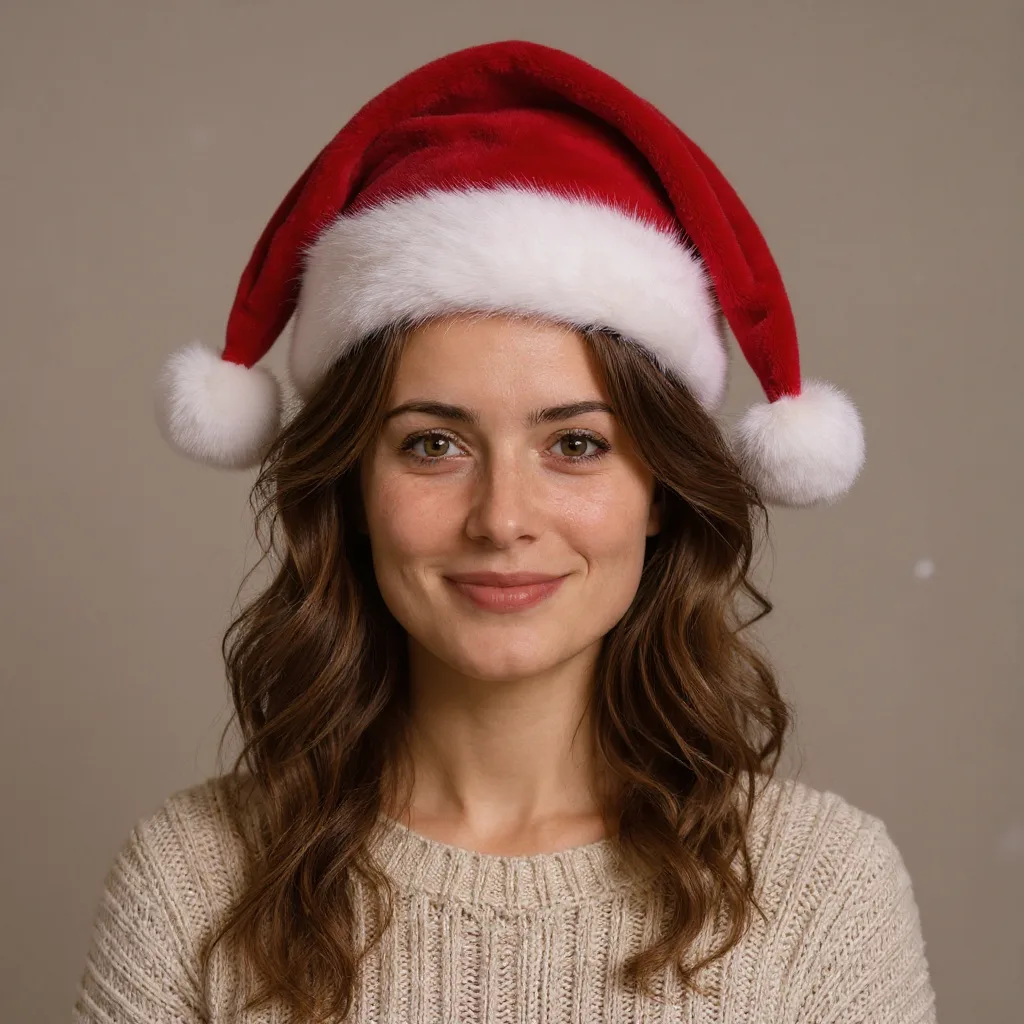
A fictional portrait before and after a Christmas hat and lighting edit. After
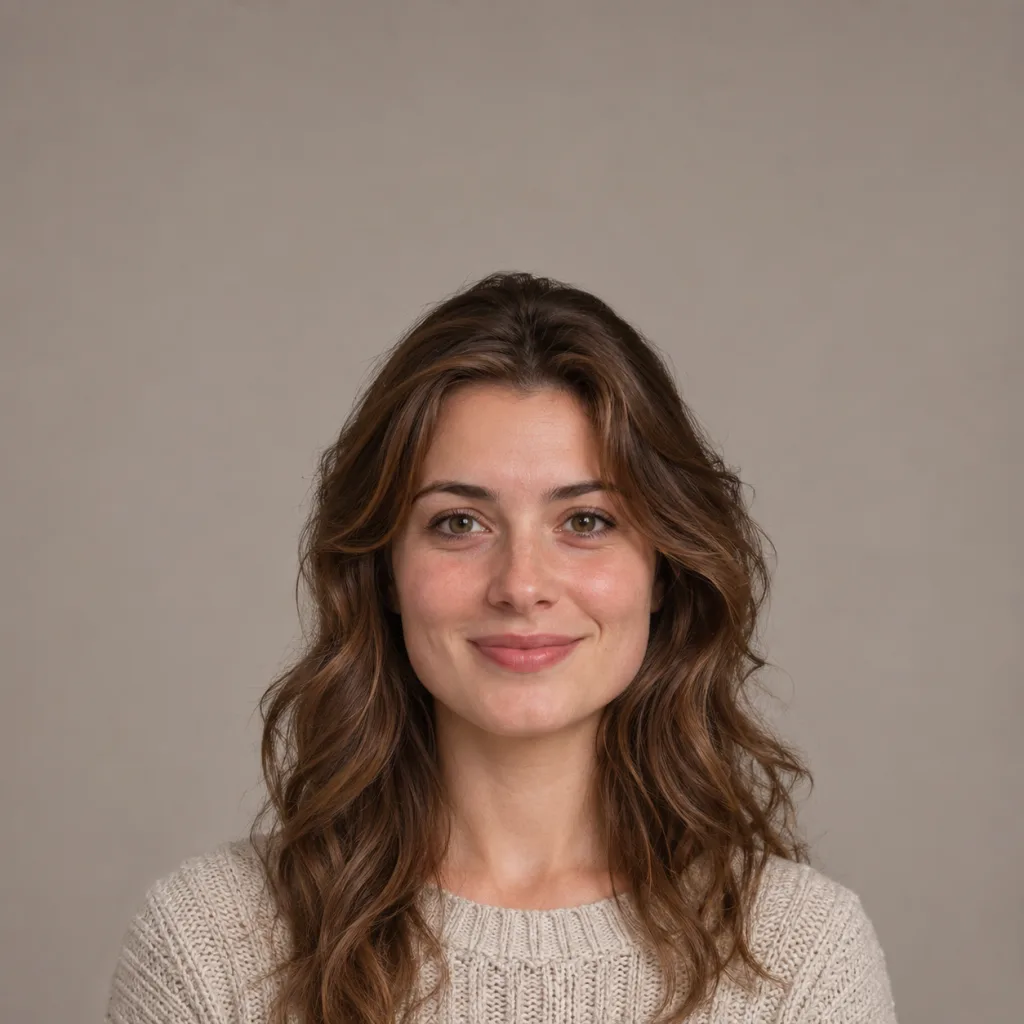
A fictional portrait before and after a Christmas hat and lighting edit. Before
BeforeAfter
Try a sample

Christmas PFP Examples

A Santa hat and soft holiday light are added to a centered portrait.
BeforeAfter

A festive portrait

A Santa hat and soft holiday light are added to a centered portrait.

View prompt

Add a classic red Santa hat with white fur trim to the subject. Add soft warm holiday lighting and a subtle snowy glow. Keep the subject's face, expression, and recognizable hair or fur details consistent with the uploaded photo. Frame the result as a centered square 1:1 profile picture with the full head in view. Do not add text or logos.
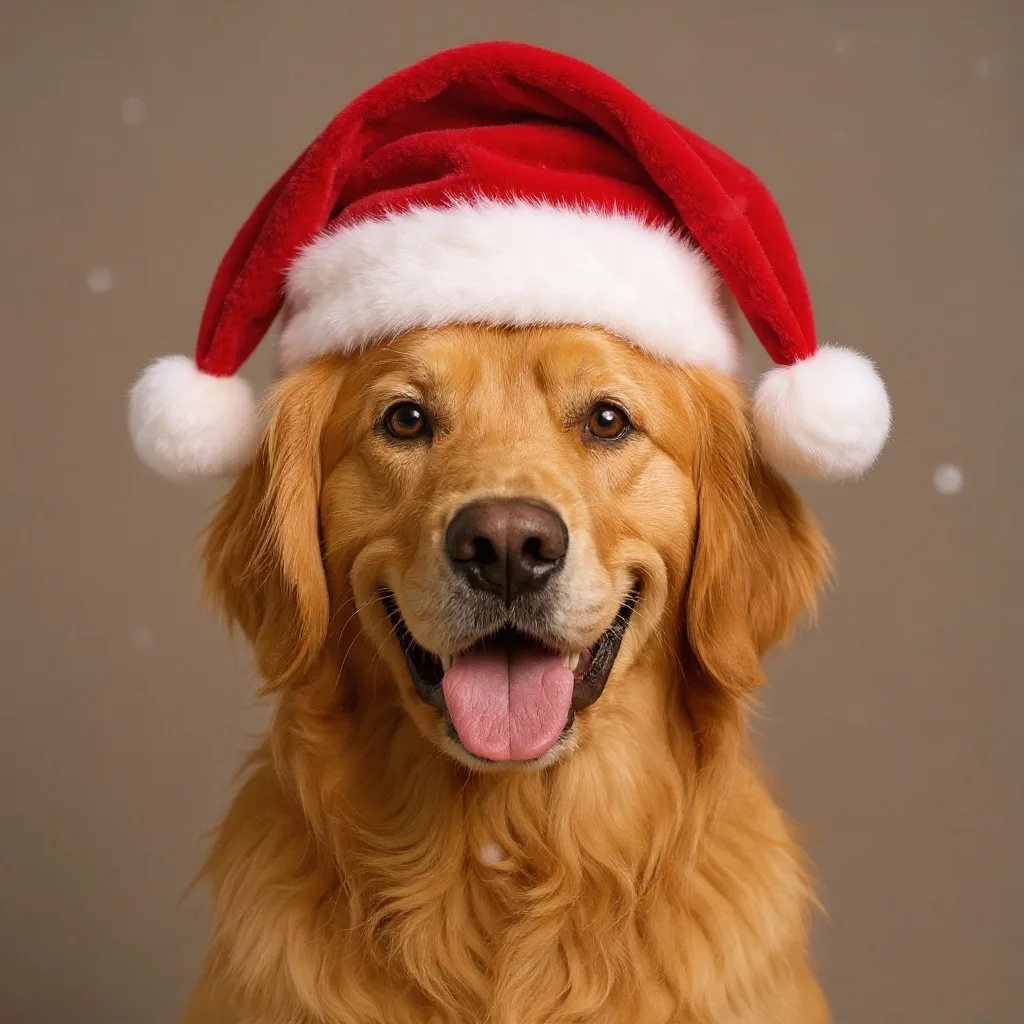
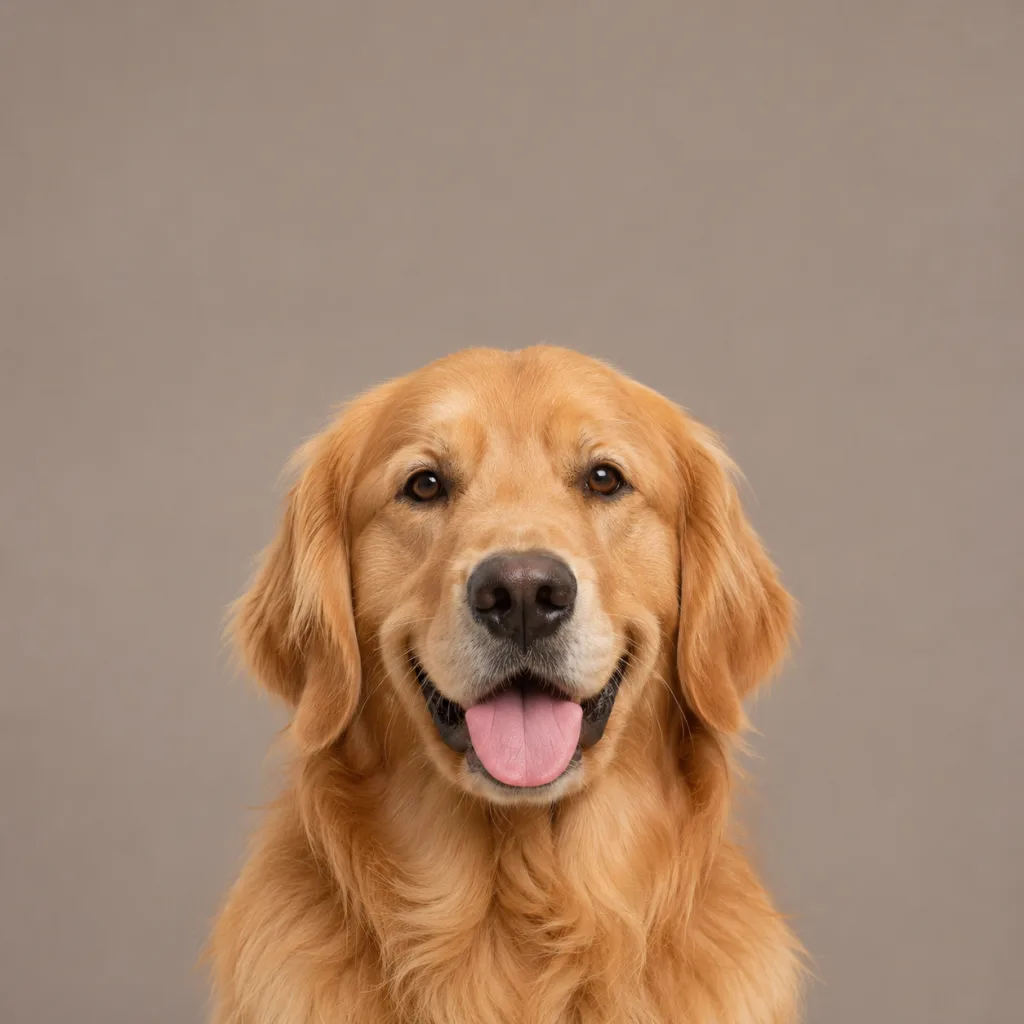
A Santa hat and warm seasonal glow give this dog portrait a festive profile-picture look.
BeforeAfter

A Christmas PFP for a pet

A Santa hat and warm seasonal glow give this dog portrait a festive profile-picture look.

View prompt

Add a classic red Santa hat with white fur trim to the subject. Add soft warm holiday lighting and a subtle snowy glow. Keep the subject's face, expression, and recognizable hair or fur details consistent with the uploaded photo. Frame the result as a centered square 1:1 profile picture with the full head in view. Do not add text or logos.

How to Make a Christmas PFP

01

Choose a clear photo

Upload one well-lit selfie or pet photo with the face near the center and a little space above the head.

02

Use the Christmas preset

The prompt asks for a Santa hat, soft holiday lighting, familiar facial details, and a centered square frame.

03

Review and download

Check the face, hat, and crop in the result. Download it when it looks right for your profile.

Tips for a Christmas Profile Picture

  1. Keep the face visible.

    A clear, front-facing photo gives the edit an unobstructed view of the person or pet.

  2. Leave room above the head.

    A little space makes it easier to fit a Santa hat without crowding the top edge.

  3. Use even lighting.

    Soft, balanced light helps show facial features, hair, and fur in the uploaded image.

  4. Check the final crop.

    Profile photos may appear in small or circular crops. Review the framing before using the download.

Photo and Edit Details

Supported files

Upload one JPG, PNG, or WebP image up to 10 MB.

Free edits

Visitors can make up to 3 free edits per day without signing in.

Generated details

The prompt asks to preserve the face and recognizable features, but small details may change. Review before sharing.

Photo permission

Use your own photo or an image you have permission to edit.

Christmas PFP Maker FAQ

How do I make a Christmas PFP from a photo?

Upload a clear selfie or pet photo, keep the Christmas preset selected, then choose Edit Image. Review the result and download it if the crop looks right.

Can I make a Christmas PFP for my pet?

Yes. The preset asks for a Santa hat and soft holiday light while keeping recognizable features. Check the fur and face details before downloading because edits can vary.

Can I use a selfie to make a Christmas profile picture?

Yes. A clear, front-facing selfie with even light gives the edit a clear subject. The prompt asks to preserve facial details, but review the result because small details may shift.

Will it keep my face or my pet's markings unchanged?

The prompt asks to preserve the face, expression, and recognizable features, but generated details can still change. Compare the result with your photo before downloading.

Why is the Christmas profile picture square?

The preset requests a centered 1:1 composition. Generated framing can vary, so review the image and check how your chosen platform crops an avatar before using it.

Make Your Christmas PFP

Choose a photo you have permission to use, apply the preset, and review the result before saving it.

Choose a photo

Looking for a different photo edit? Use the free AI image editor.