Photo to Cartoon

Upload a photo and get a colorful cartoon version in seconds.

No photo yet
145/500

3 free edits today. No sign-up, no watermark.

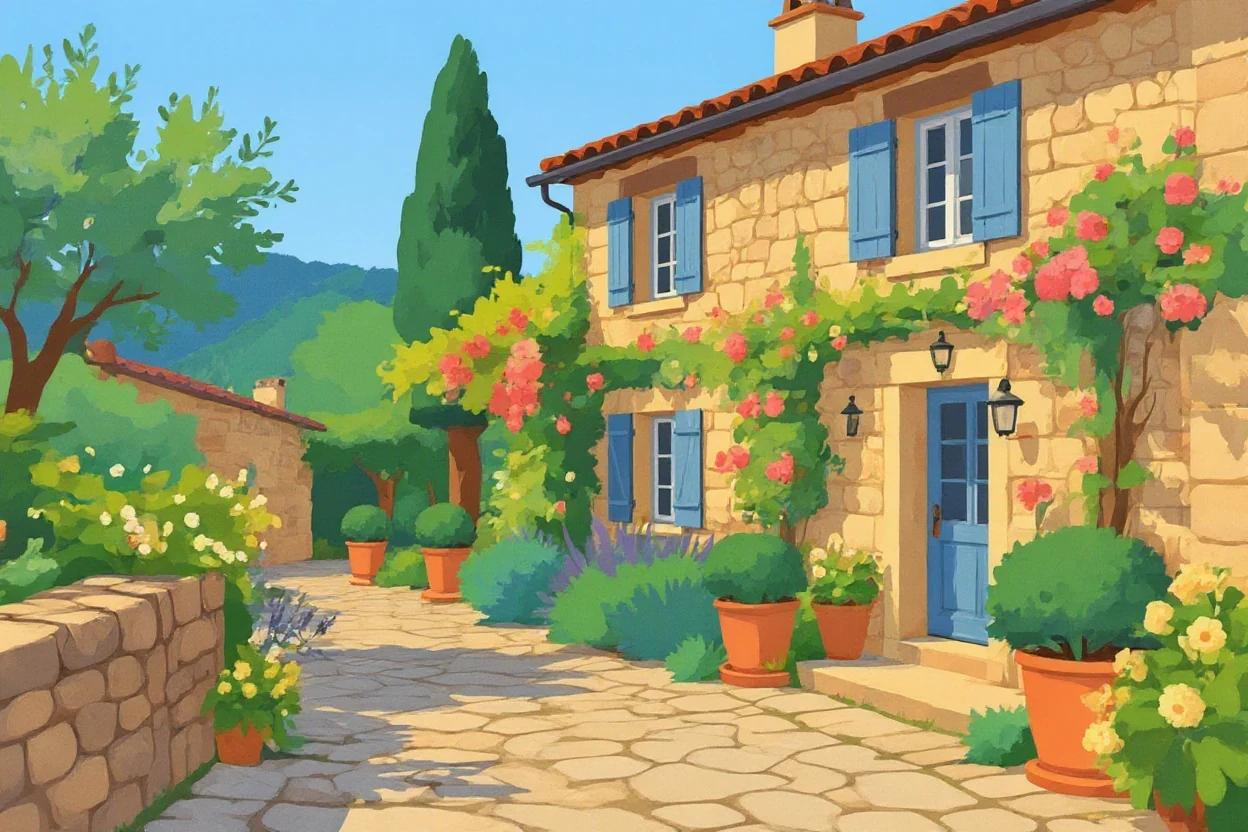
A stone house courtyard shown before and after a cartoon-style edit. After
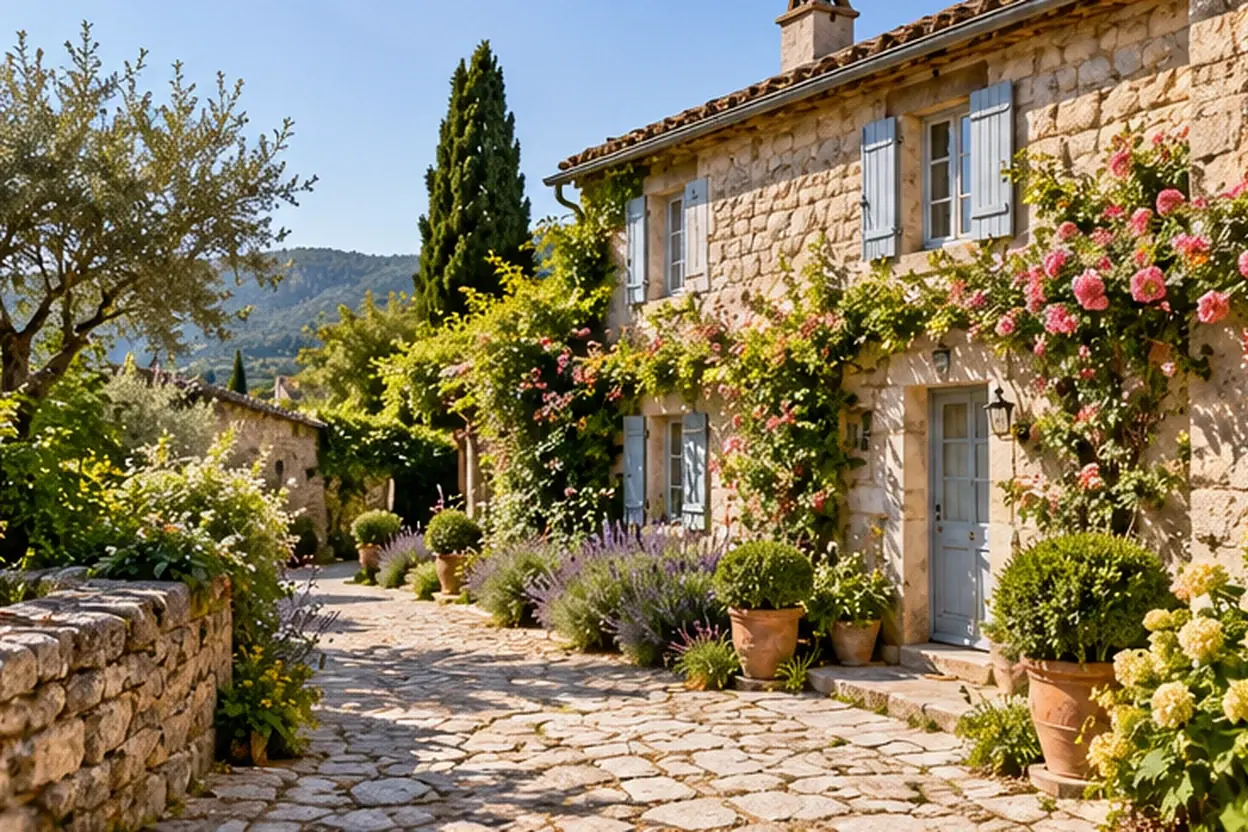
A stone house courtyard shown before and after a cartoon-style edit. Before
BeforeAfter
Try a sample

Photo to Cartoon Example

In this photo to cartoon example, the stone house and garden remain recognizable in a colorful illustrated style.
BeforeAfter

A stone courtyard in cartoon colors

In this photo to cartoon example, the stone house and garden remain recognizable in a colorful illustrated style.

View prompt

Turn this photo into a colorful cartoon illustration with clean outlines and flat colors. Keep the composition and the main subject recognizable.
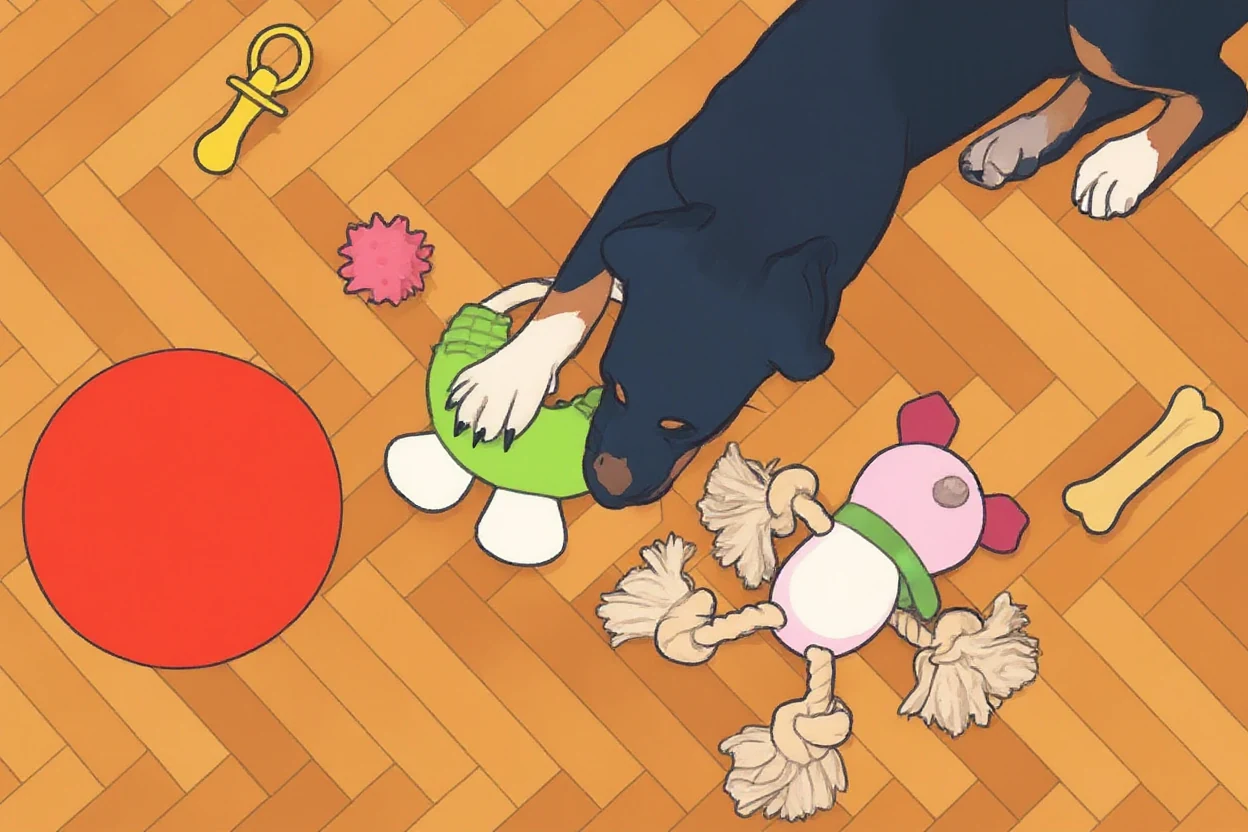
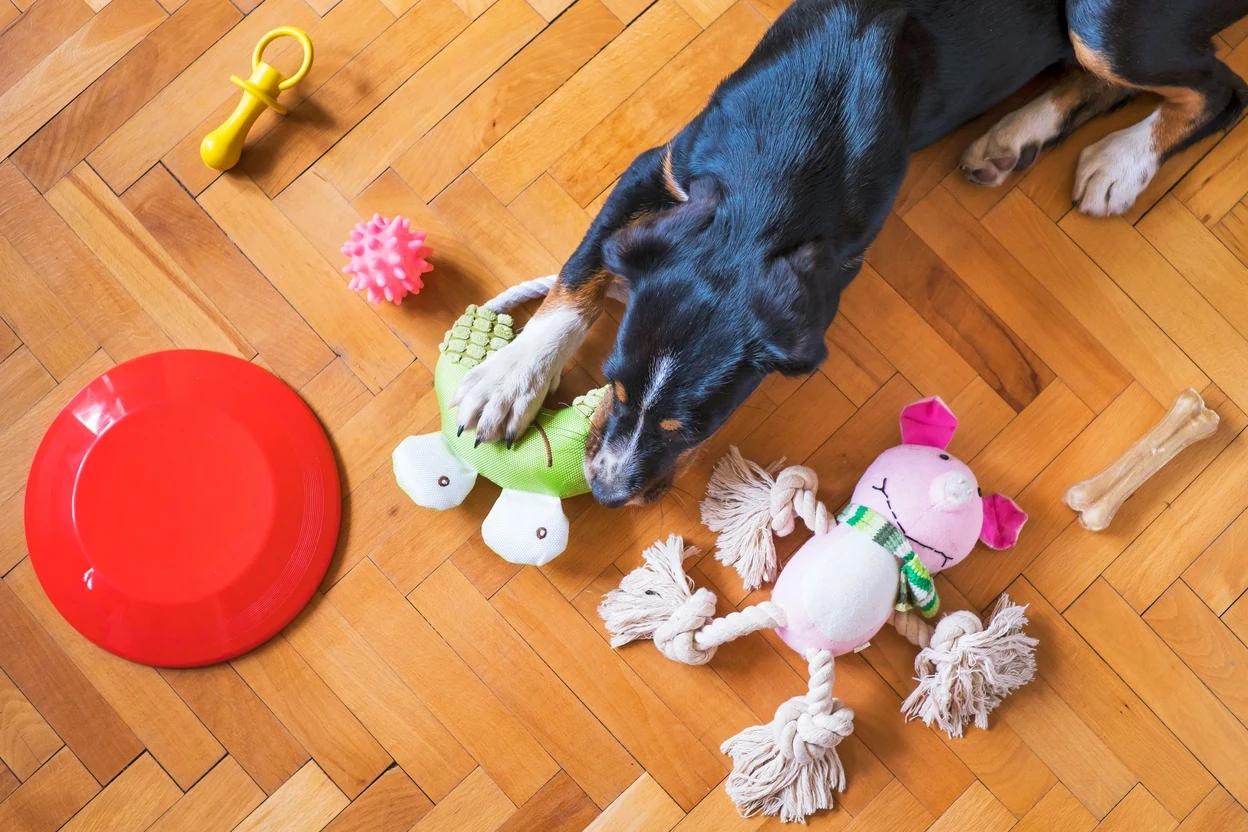
A black dog rests among colorful toys on a wooden floor in a cartoon-style edit.
BeforeAfter

A black dog with colorful toys

A black dog rests among colorful toys on a wooden floor in a cartoon-style edit.

View prompt

Turn this photo into a colorful cartoon illustration with clean outlines and flat colors. Keep the composition and the main subject recognizable.
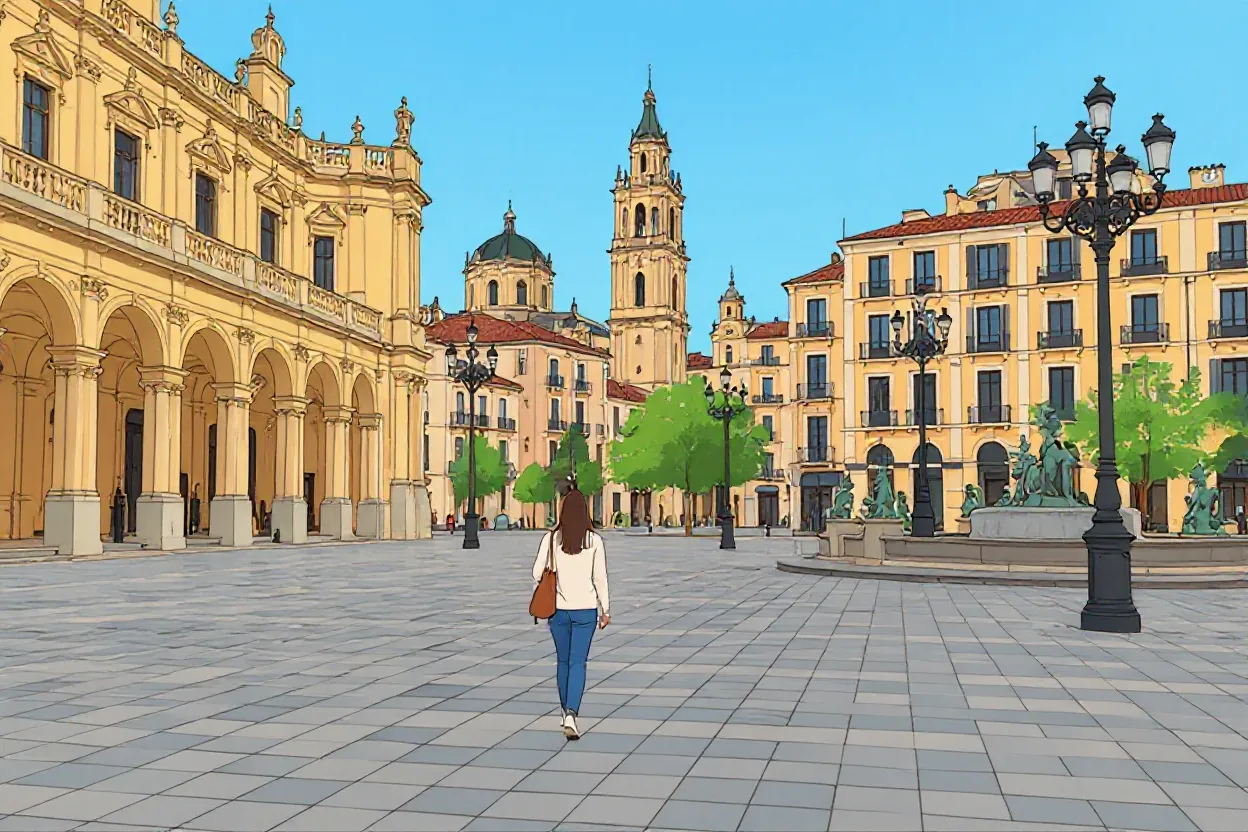
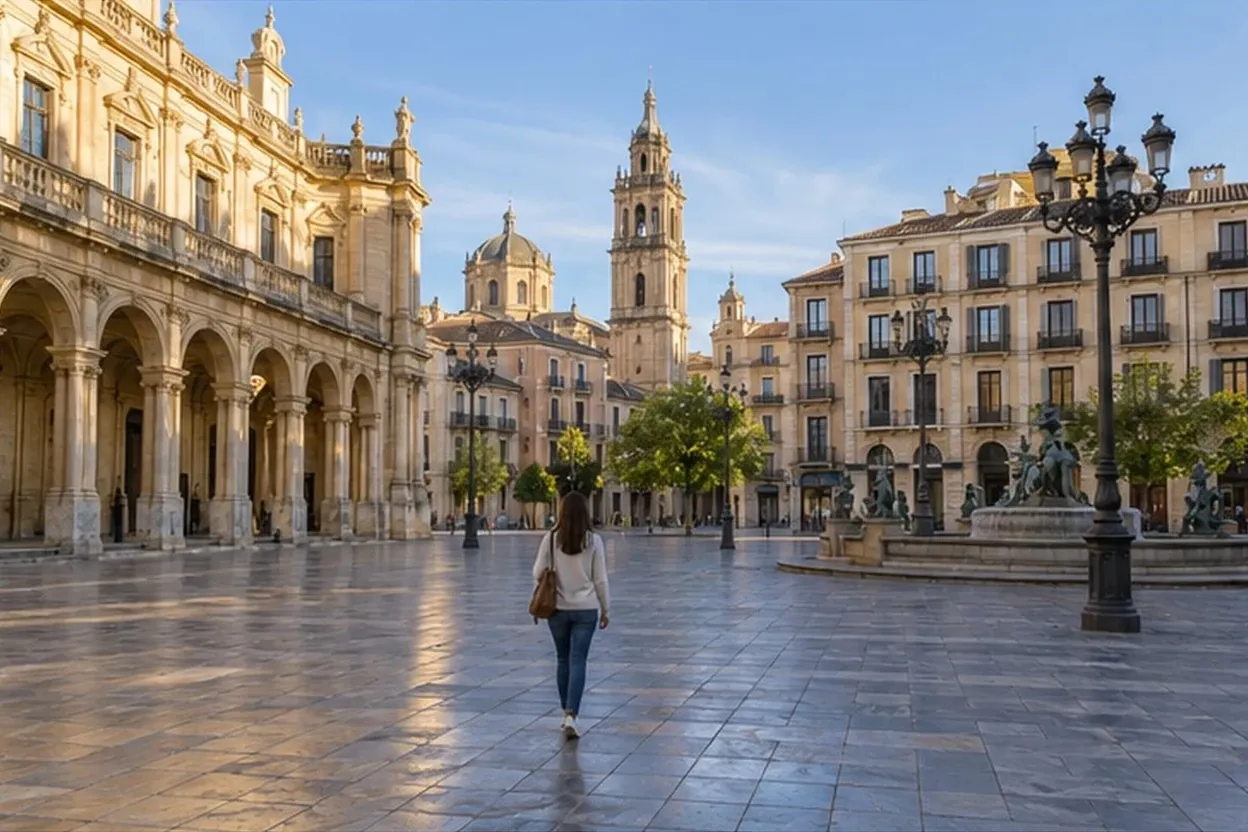
A person seen from behind crosses a historic city square, with the scene still recognizable after a cartoon-style edit.
BeforeAfter

A city square in cartoon colors

A person seen from behind crosses a historic city square, with the scene still recognizable after a cartoon-style edit.

View prompt

Turn this photo into a colorful cartoon illustration with clean outlines and flat colors. Keep the composition and the main subject recognizable.
How to Turn a Photo into a Cartoon

01

Upload a photo

Choose one portrait, pet photo or scene in JPG, PNG or WebP format.

02

Choose a look

Use the cartoon preset, or select the watercolor option and describe the style you want.

03

Review the edit

Check the face, subject and background before downloading the result.

Tips for a Cartoon Photo Editor Prompt

  1. Name the style clearly.

    Try a phrase such as “a bold comic-book look with thick outlines” when you want a different cartoon treatment.

  2. Keep the subject recognizable.

    Leave the prompt line asking to keep the composition and main subject recognizable. The result can still change details, so inspect it.

  3. Start with a clear portrait.

    A front-facing photo with even light makes facial details easier to review after the edit.

  4. Try a broad style description.

    You can try other general art directions in the prompt. Anime or a particular artist’s style has not been tested or promised.

What a Photo to Cartoon Edit Can Do

People, pets and places

The small test set included a portrait, a cat and a stone courtyard. Check the result to see how your own subject turns out.

Composition can vary

The prompt asks to retain the composition and recognizable subject, but fine details may change between edits.

Supported uploads

Upload one JPG, PNG or WebP image at a time. Each file must be 10 MB or smaller.

One image per edit

The editor processes a single photo in each edit; it does not convert a batch of images.

Free edits

Visitors can make 3 free edits per day without signing up.

Failed edits

If an edit fails, its reserved credit is released.

Style boundaries

Results for a specific named animation or artist are not promised. Use a general style description instead.

Backgrounds and stickers

A transparent-background sticker is not part of the tested output. Review the background in each result.

Photo to Cartoon FAQ

Can I turn a photo into a cartoon online for free?

Yes. You can make 3 free edits a day without signing up. Upload a photo, use the cartoon prompt and review the result.

How do I cartoonize a photo?

Upload one image and use the prefilled cartoon prompt. You can edit the style description, then compare the result with the original.

Can you cartoon me from a portrait?

You can try a clear portrait with the cartoon preset. The prompt asks to keep the main subject recognizable, but facial details can vary.

Can I make a picture into an anime or cartoon?

The tested preset makes a general colorful cartoon. Anime results have not been tested, so changing the prompt is an experiment rather than a promise.

What can I change in a cartoon photo editor?

Edit the style words in the prompt to describe outlines, colors or a broad illustration look. Check the result because other details may change too.

What kinds of images can I cartoonify?

The test set included a portrait, a pet and a courtyard. You can try another clear subject, then review whether the composition stayed recognizable.

Turn Your Photo into a Cartoon

Upload one photo, choose a general art style and check the result before downloading.

Go to editor

Need to remove someone from a scene? Try Remove Person from Photo.

For a monochrome drawing, see Photo to Sketch.

For other edits, use the free AI image editor.