Sweater to blazer
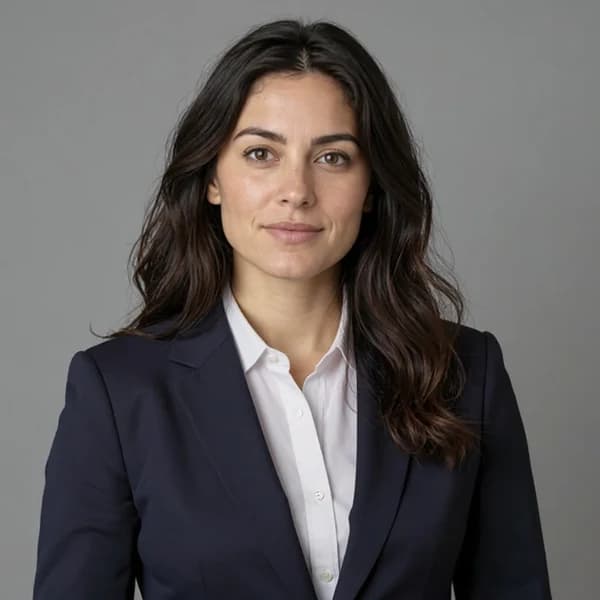
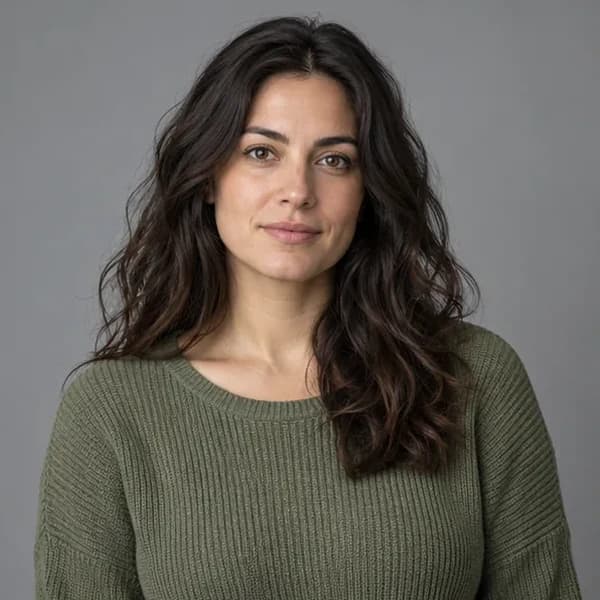
A navy blazer and white shirt replace an olive sweater.
View prompt
Replace the olive sweater with a navy blazer over a white shirt. Keep the same face, hair, pose, body shape, lighting, and background.
Upload a photo, describe the outfit you want, and download the result.
Describe one change at a time, and say what should stay the same.
132/5003 free edits today. No sign-up, no watermark.
A navy blazer and white shirt replace an olive sweater.
Replace the olive sweater with a navy blazer over a white shirt. Keep the same face, hair, pose, body shape, lighting, and background.
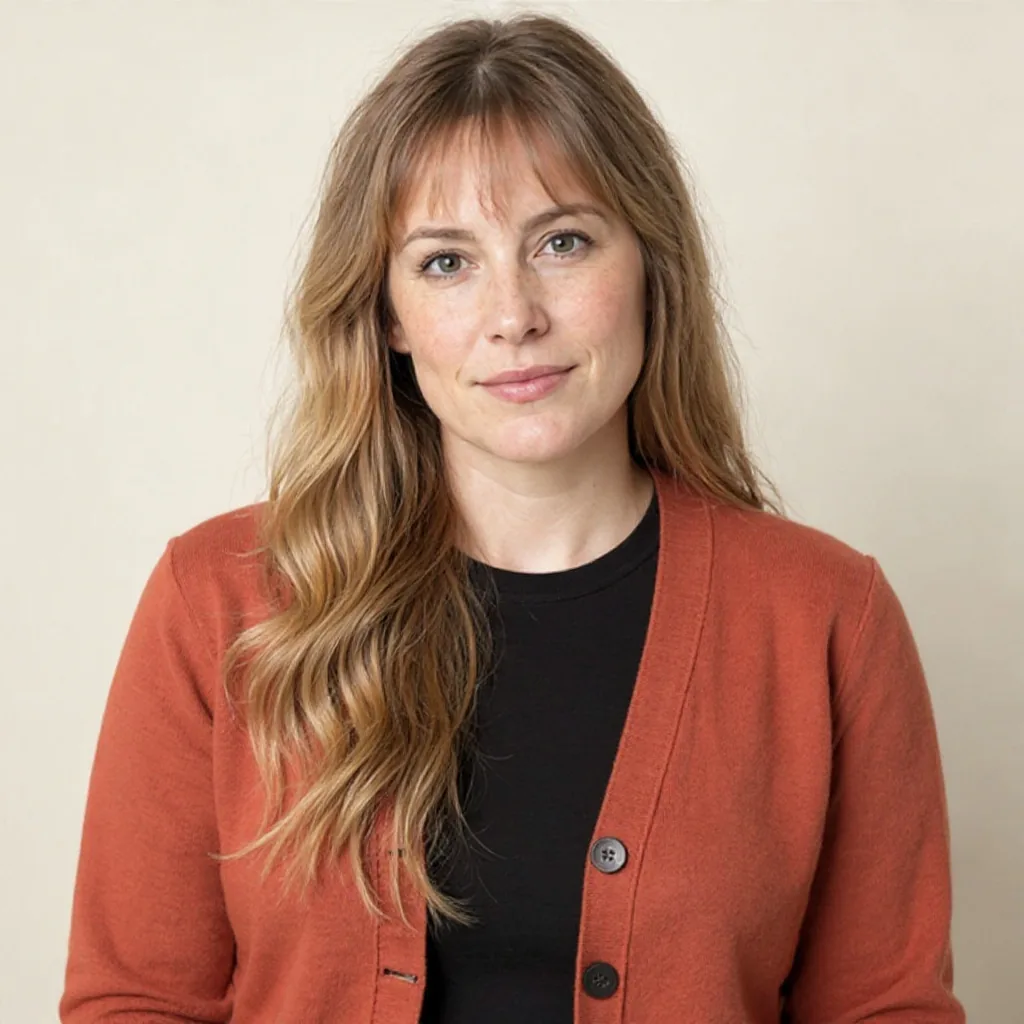
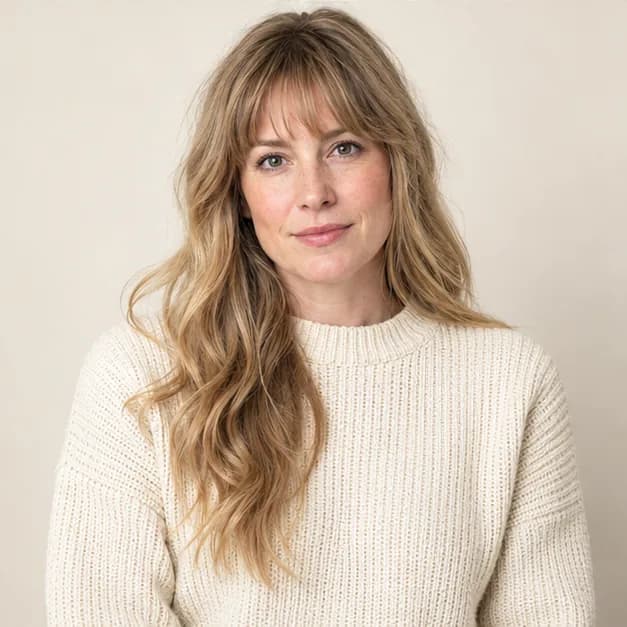
A rust cardigan over a black top replaces a cream sweater.
Replace the cream knit sweater with a rust-red cardigan over a plain black top. Keep the same face, hair, pose, body shape, lighting, and background.
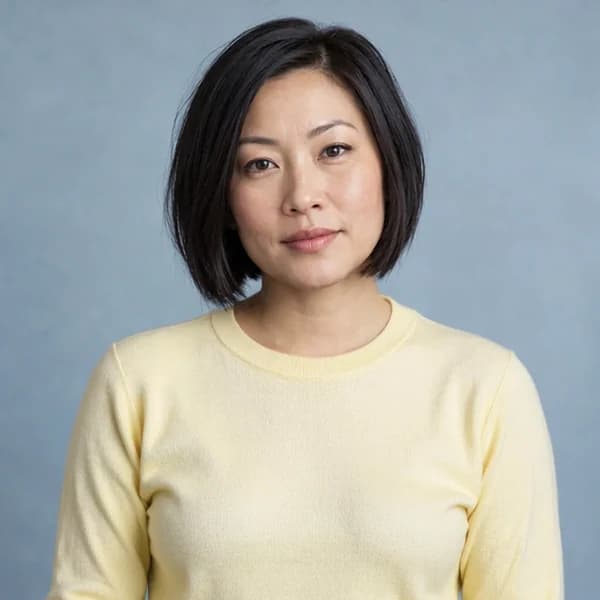
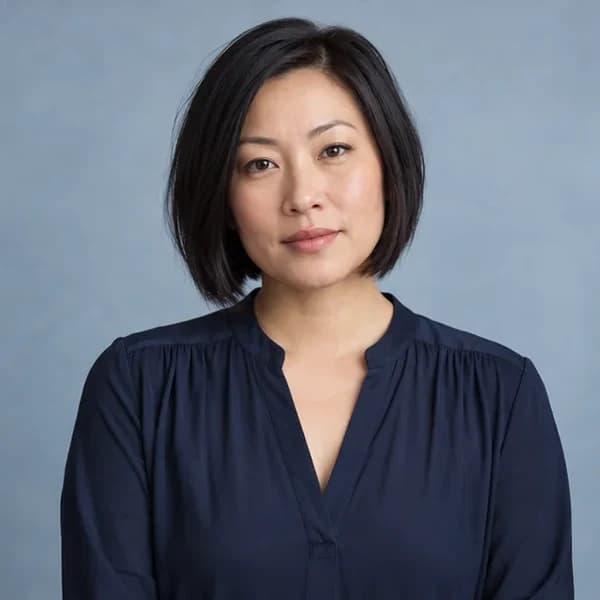
A pale yellow knit sweater replaces a navy blouse.
Replace the navy blouse with a pale yellow knit sweater. Keep the same face, hair, pose, body shape, lighting, and background.
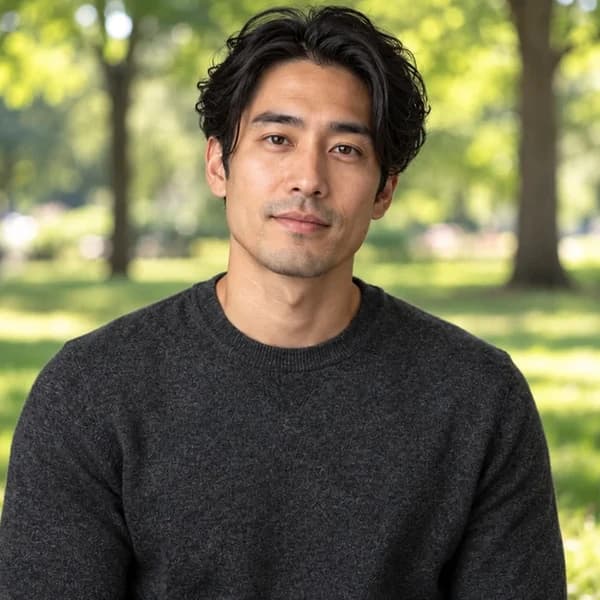
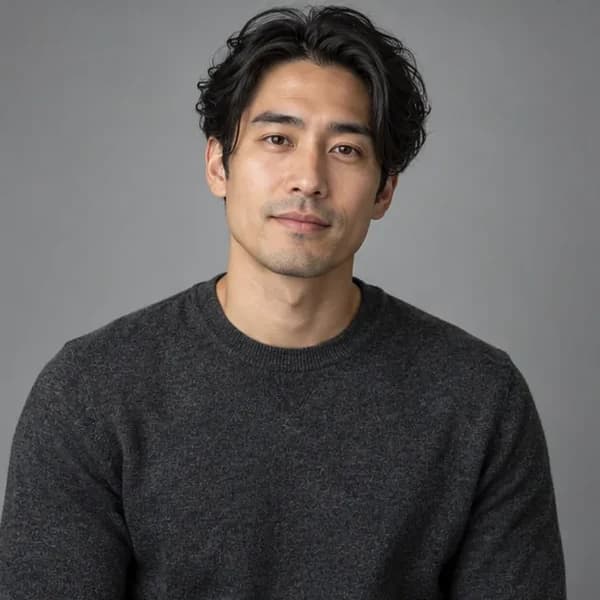
A softly blurred sunlit park replaces a plain studio background.
Replace the plain gray studio background with a softly blurred sunlit park. Keep the same person, face, hair, clothing, pose, lighting, and composition.
Say “replace the striped shirt” instead of “change the clothes” when only one item should change.
Include a garment, color, and fabric or style, such as “a navy denim jacket over a white shirt”.
Ask the AI to keep the same face, hair, pose, body shape, lighting, and background. Results can still vary.
A single clear change makes it easier to check what the AI changed.
JPG, PNG or WebP up to 10 MB. Upload one photo at a time.
Results are about 1024 pixels on a side, suitable for web and social use rather than large-format printing.
Make 3 edits per visitor per day. Downloads have no watermark.
Uploads and results are stored only to complete your edit and are deleted automatically after 3 days. They are not shown publicly.
Use your own photo or one you have permission to edit. Do not create nude or sexual edits or alter another person’s photo without their consent.
Upload a photo, use or edit the prefilled prompt, and select Edit Image. For more prompt ideas, see our AI image editor with prompt.
The prompt asks it to preserve the face, pose, body shape, and background, but AI can alter details. Check the result before downloading.
Only if you have that person’s permission. Do not use this tool for nude or sexual edits.
Upload one JPG, PNG, or WebP image at a time, up to 10 MB. Results are about 1024 pixels on a side.
Yes. You can make 3 edits per visitor per day without signing up, and downloads have no watermark. Photos are deleted after 3 days.
For more kinds of photo edits, visit the free AI image editor.