
Remove Text from Image

Upload an image, remove the added text, and keep the picture underneath.

No photo yet
84/500

3 free edits today. No sign-up, no watermark.

A flower photo shown before and after added text is removed. After
A flower photo shown before and after added text is removed. Before
BeforeAfter
Try a sample

Text Remover from Image Examples

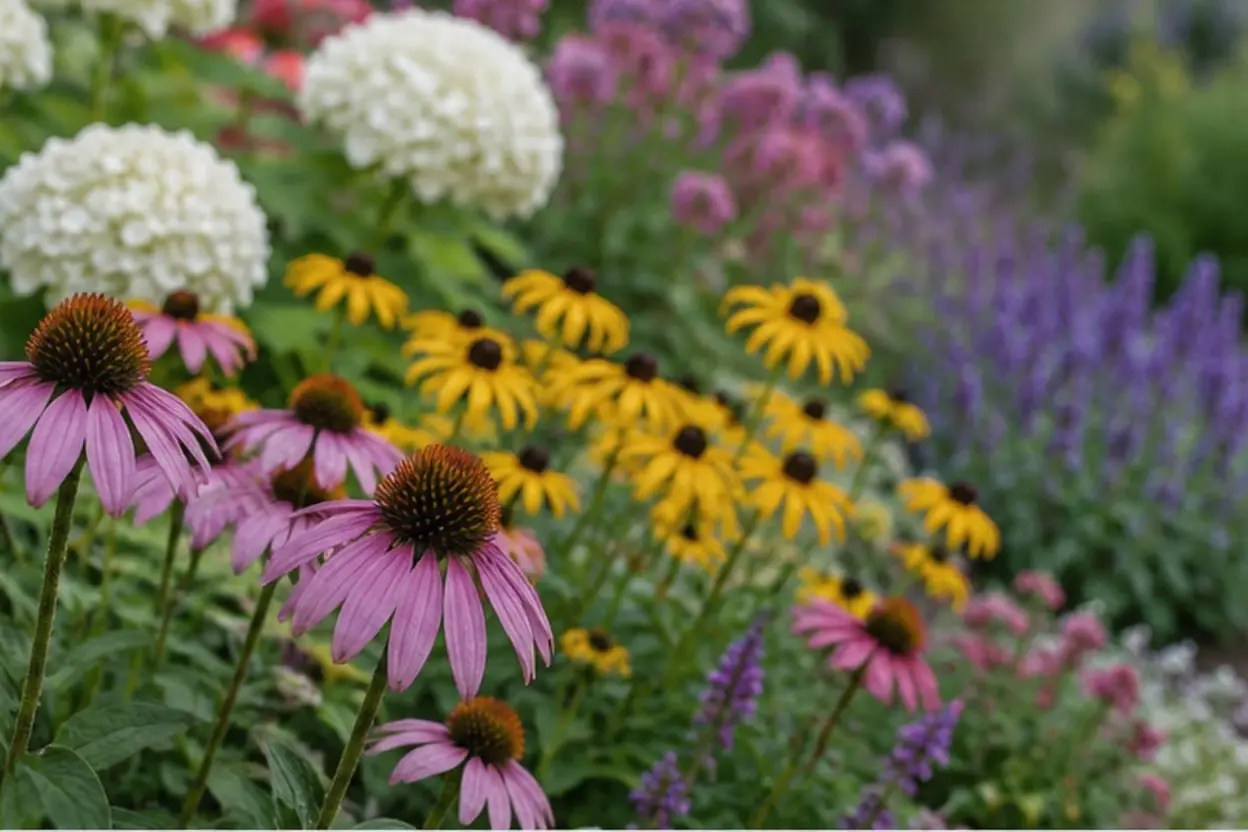
In this remove text from image example, two added title lines are cleared while the flowers and background stay in view.
BeforeAfter

Added title cleared from a flower photo

In this remove text from image example, two added title lines are cleared while the flowers and background stay in view.

View prompt

Remove all the text from the image and fill the area so it matches the surroundings.

The added title is cleared from the chair scene.
BeforeAfter

Headline removed from an armchair photo

The added title is cleared from the chair scene.

View prompt

Remove all the text from the image and fill the area so it matches the surroundings.

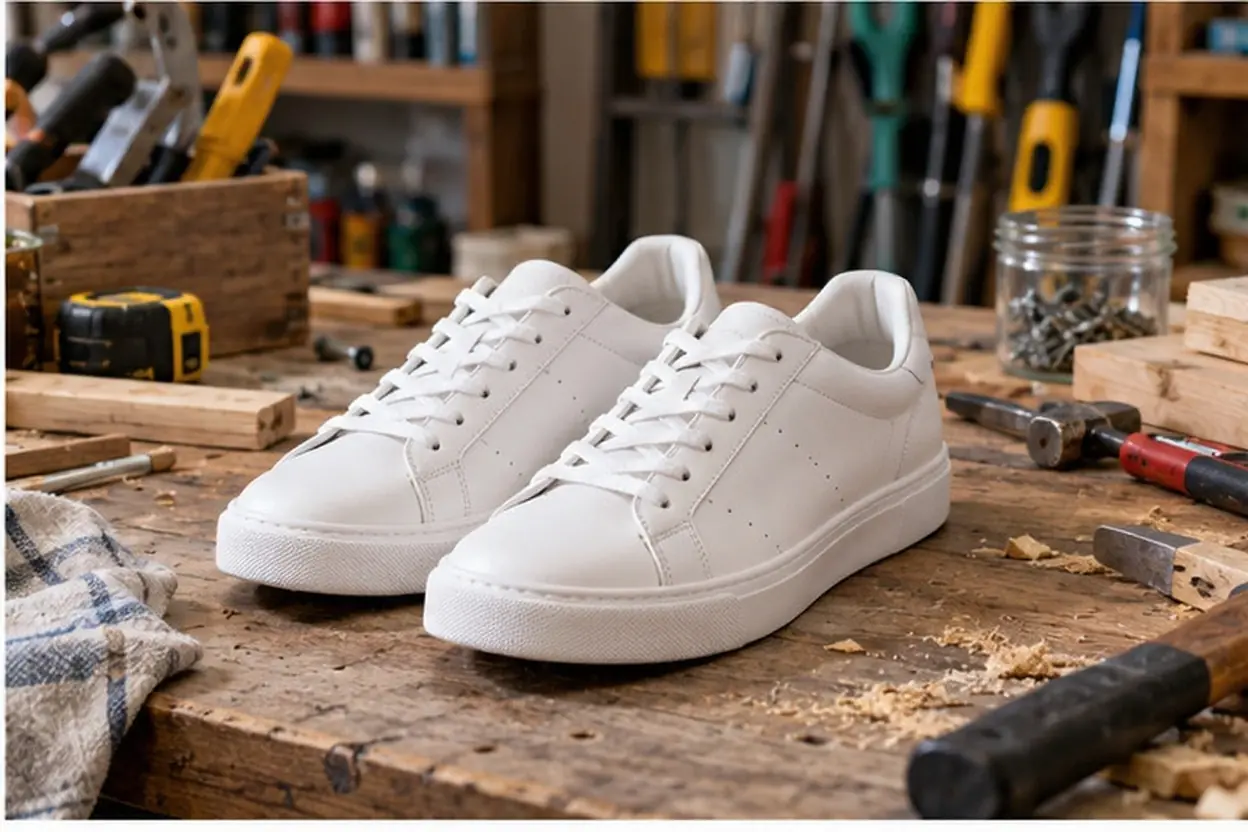
The added poster text is removed while the shoes and workbench remain visible.
BeforeAfter

Overlay lettering removed from a shoe scene

The added poster text is removed while the shoes and workbench remain visible.

View prompt

Remove all the text from the image and fill the area so it matches the surroundings.
How to Use an Image Text Remover

01

Upload an image

Choose a photo you own or have permission to edit. The tool accepts one image per edit.

02

Describe the added text

Use the prefilled prompt or name a specific line and its location, such as “the white title at the top.”

03

Review the filled area

Check for remaining letters or new marks. If needed, describe the text more clearly and try again.

Tips for Removing Added Text from an Image

  1. Name the text or its location.

    For one line, describe the words or where they appear, such as “the white title at the top.”

  2. Say what should stay.

    Mention the nearby subject or background details to preserve around the text.

  3. Keep expectations realistic.

    Large lettering that covers a subject can leave an uneven fill because the hidden details are not visible in the photo.

  4. Inspect the result.

    If letters remain or marks appear, name the area more precisely and review another edit.

What This Text Remover Can and Cannot Do

Added photo text

The tested examples clear titles and captions added over a photo.

Other text types

This page does not promise results for signs, road signs, product packaging, dense small print or handwriting.

Use images with permission

Only edit an image you own or have permission to change.

Respect copyright marks

Only remove text you added to an image you own or have permission to edit. Do not remove a third-party creator’s copyright watermark or credit, even if you have permission to edit that image.

Removal, not replacement

This page is for removing added text. Replacing it with new wording is not part of the tested examples.

Supported files

Upload one JPG, PNG or WebP image at a time. Each file must be 10 MB or smaller.

Free edits

Before signing in, you can use the three free edits available each day.

Failed edits

If editing stops before completion, the reserved credit is returned.

Remove Text from Image FAQ

Can I remove text from an image online for free?

The tool gives you three free edits a day and works without an account. The tested examples use titles and captions added over a photo.

What does a text remover from an image handle?

It can clear overlaid titles and captions like the examples on this page. Signs, packaging, dense print and handwriting have not been established.

Can an image text remover erase words on signs or packaging?

Those cases have not been tested, so this page does not promise results for lettering printed on signs, road signs or product packaging.

Can I remove a watermark-style title that I added to my photo?

Only if you added it and own or have permission to edit the image. Do not remove another creator’s copyright watermark or credit, even if you have permission to edit the image.

How do I remove text from an image without changing the rest?

Name the text or its location and say what nearby details should stay. Review the filled area because results can vary.

Can this tool replace text after removing it?

This page covers removal only. Replacing the text with new wording has not been tested, so we do not promise that it will work.

Try Removing Text You Added to a Photo

Choose an image you own or can edit, describe the added lettering, and review the filled area.

Choose an image

Need to remove a person from a photo? Try Remove Person from Photo.

For other edits, use the free AI image editor.