Weak prompt
make it better
Better prompt
Brighten the photo and make the colors more natural
Names the change
Type what you want changed and the AI edits your photo. Start from one of 25 example prompts below, or write your own.
Describe one change at a time, and say what should stay the same.
0/5003 free edits today. No sign-up, no watermark.
Click any prompt to put it in the box above, then change the details to fit your photo.
“Change the sofa to dark green” works; “make it nicer” doesn't tell the AI what to do.
“The man on the left”, “the sign in the background” or “the cup on the table” stops the AI from editing the wrong thing.
Add “keep the face and the pose the same” or “don't change anything else” when the rest of the photo matters.
For several changes, make the first edit, click Edit this result, then write the next prompt.
Write “a plain white background”, not “use the eraser on the background”.
Weak prompt
make it better
Better prompt
Brighten the photo and make the colors more natural
Names the change
Weak prompt
remove him
Better prompt
Remove the man in the blue jacket on the left
Says which person
Weak prompt
change background
Better prompt
Replace the background with a quiet forest path in soft daylight
Describes the new scene
Weak prompt
make it anime
Better prompt
Turn the photo into an anime-style illustration. Keep the pose and the clothing
Sets the style and what to keep
Weak prompt
red car, beach, sunset, flowers
Better prompt
Change the car to red
One change per edit
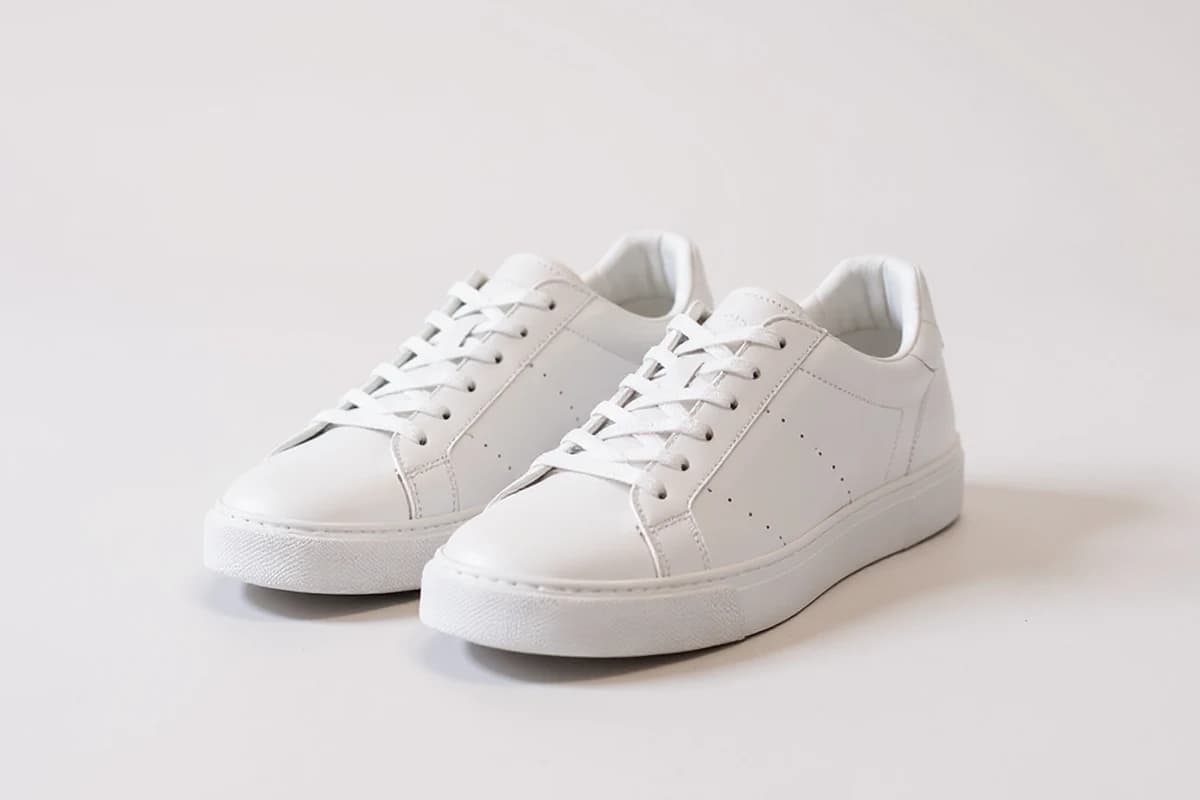
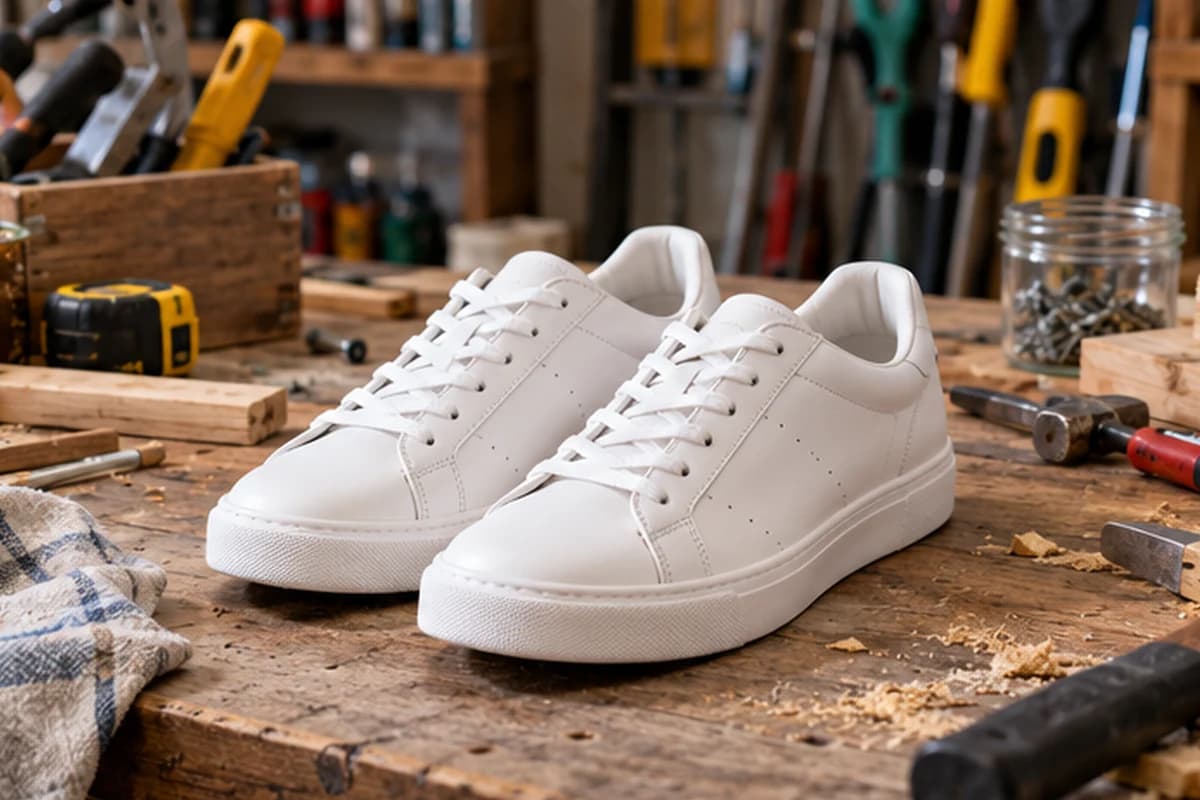
White sneakers moved from a wooden workshop to a light-gray studio.
Replace the wooden workshop background with a clean light-gray studio background. Preserve both white sneakers exactly, including shape, material, laces, position, and lighting.
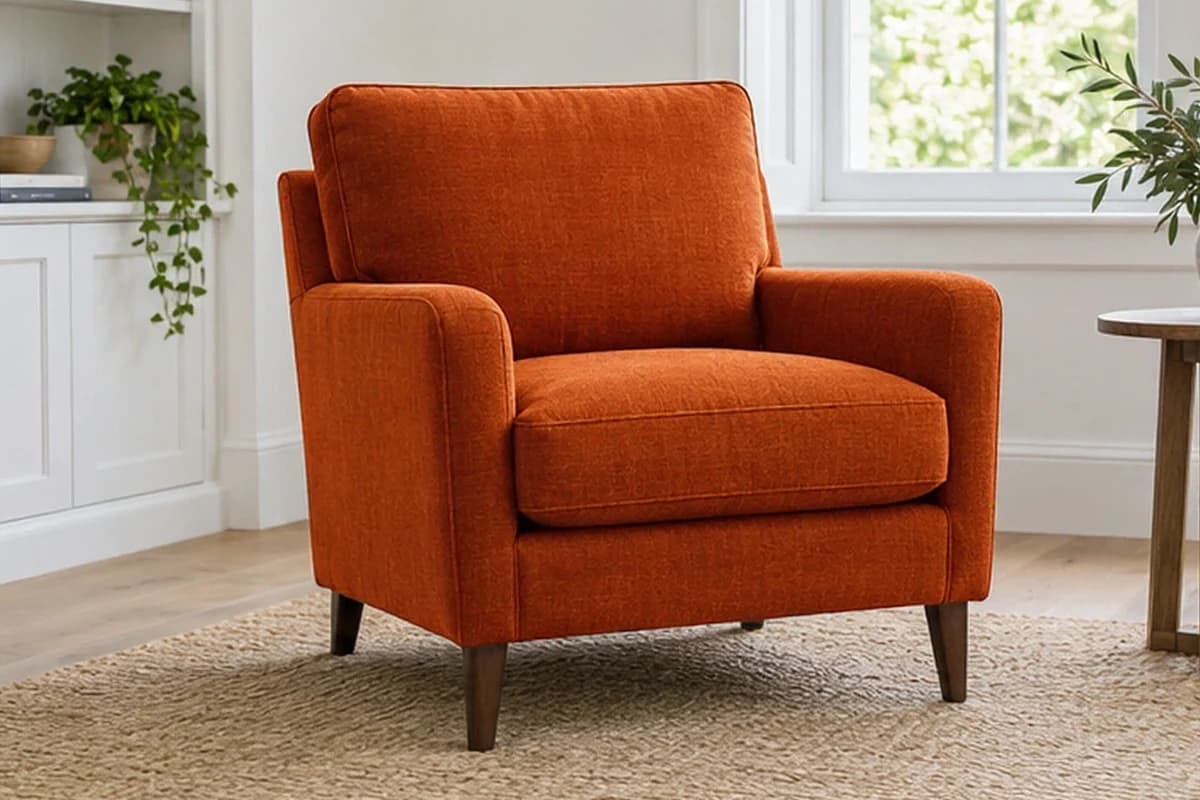
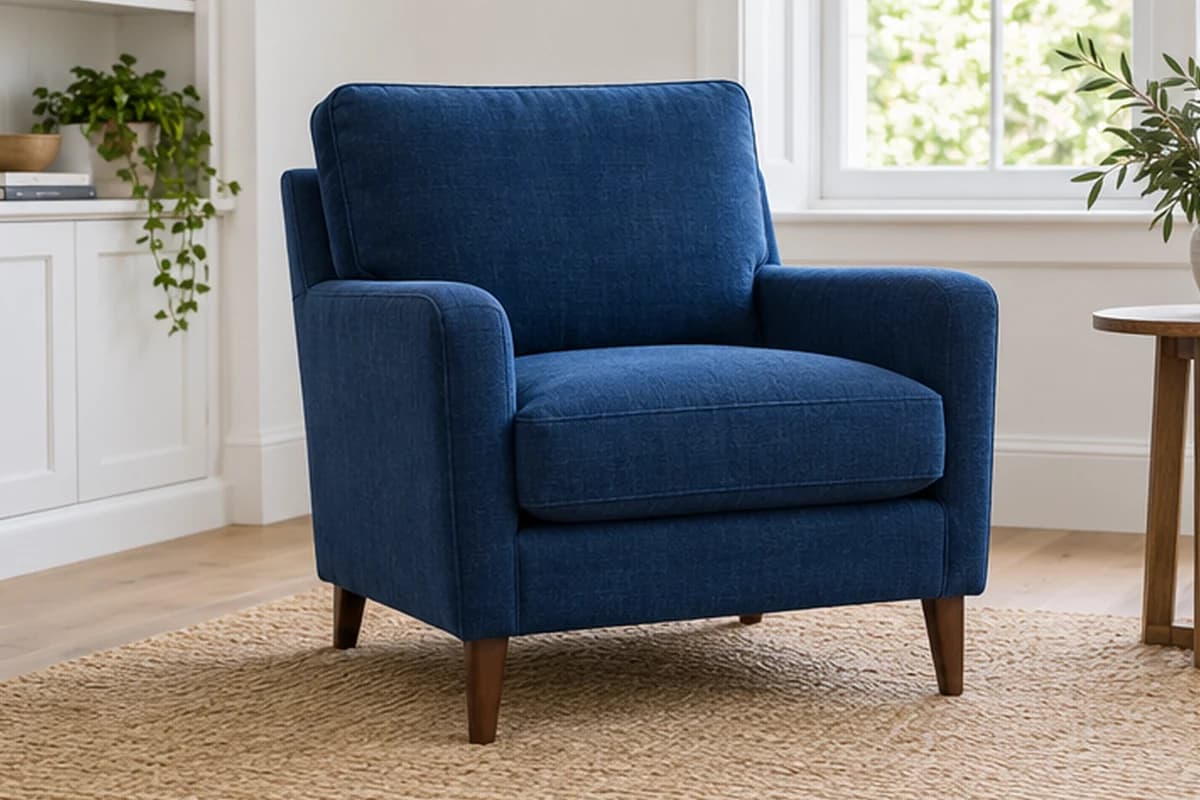
A blue armchair changed to warm burnt orange.
Change only the armchair upholstery from deep blue to warm burnt orange. Preserve its shape, seams, legs, room, lighting, and composition.
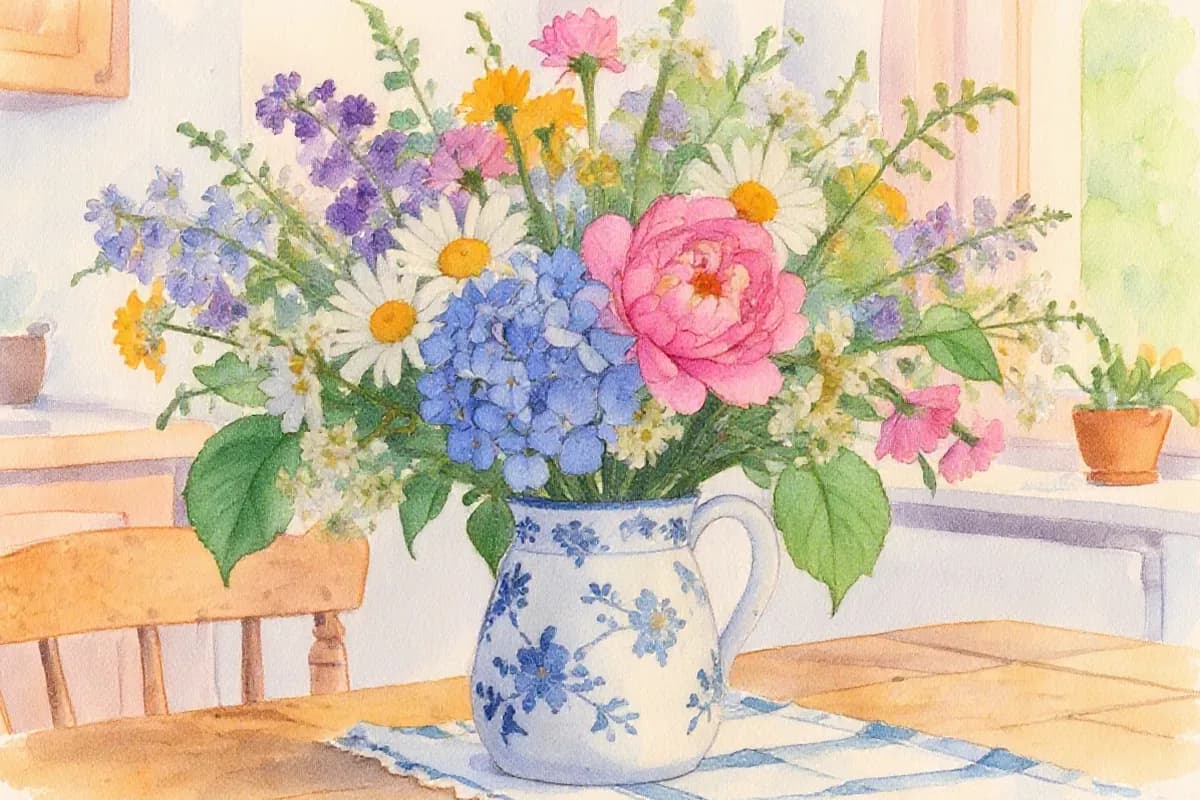
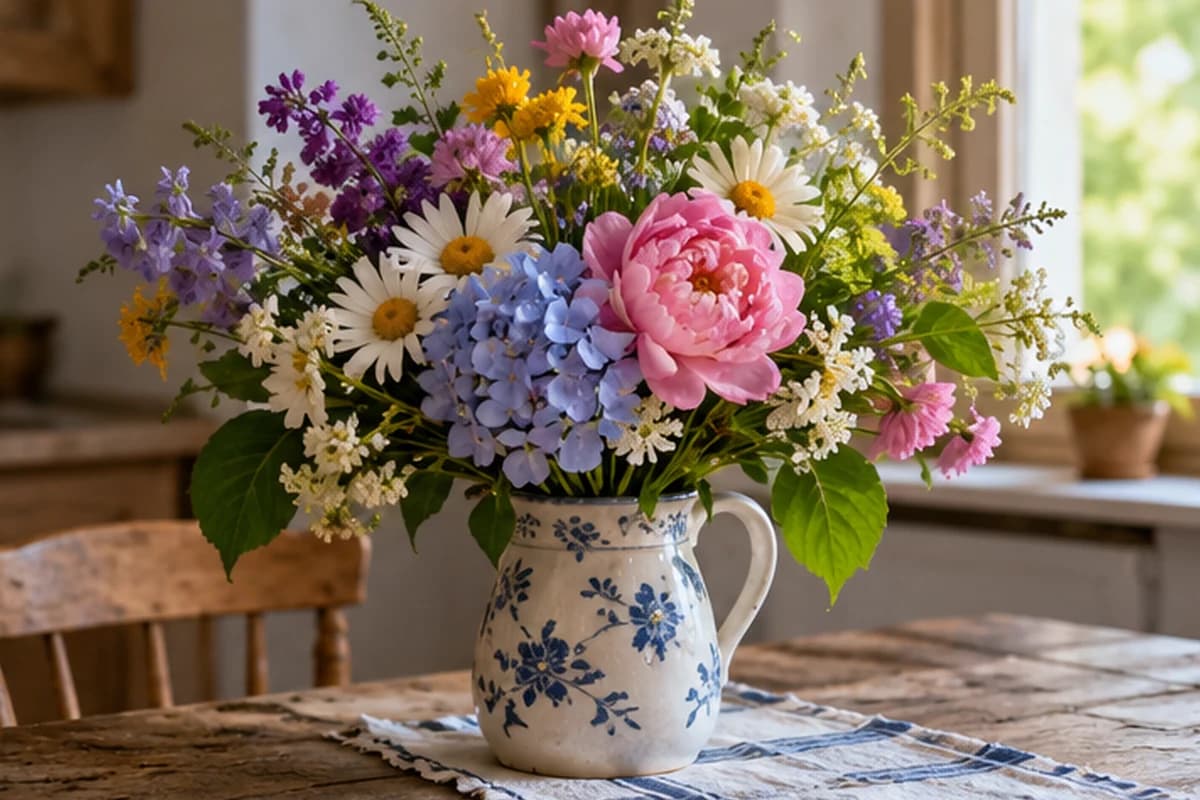
A bouquet rendered as a loose watercolor painting.
Transform this photo into a loose watercolor painting with visible brushstrokes. Preserve the bouquet, individual flower colors, vase, table, and composition.
Want a ready-made outfit edit? Try the AI clothes changer with a prefilled prompt and real sample results.
Yes. You get 3 free edits a day without signing up, with no watermark. Sign in to get 5 free credits, or buy a credit pack for more.
English gives the most predictable results. Other languages may work, but the AI can misread them.
Up to 500 characters. One or two clear sentences usually work best.
Usually the prompt was too vague or asked for several changes at once. Name the object, say where it is and what to keep, then try again.
Yes. They are plain-English instructions, so they work as a starting point in most prompt-based image editors.
Prefer one-click edits? Use the free AI image editor on our homepage with six quick-edit presets.
Upload a photo, type your prompt and download the result — free, no sign-up.
Write a Prompt